How to disable public board in Mixpanel
Here is how to disable public board in mixpanel
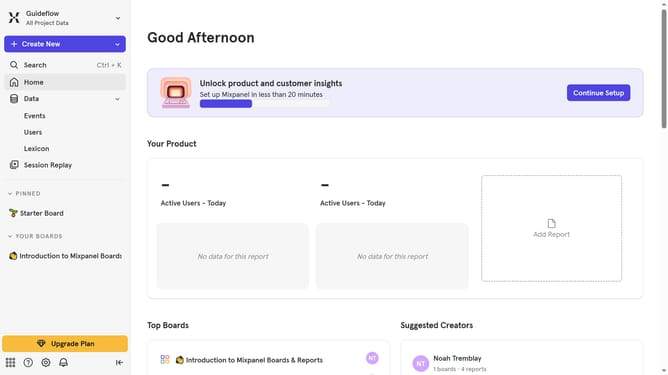
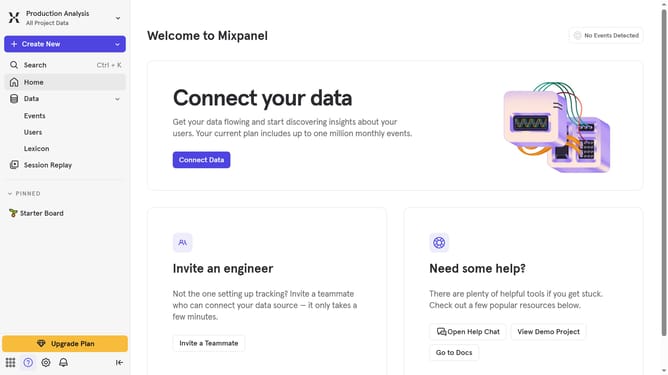
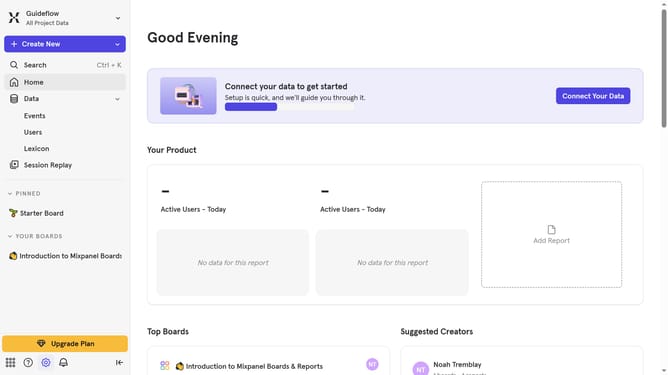
- First click on the gear icon in the bottom left sidebar
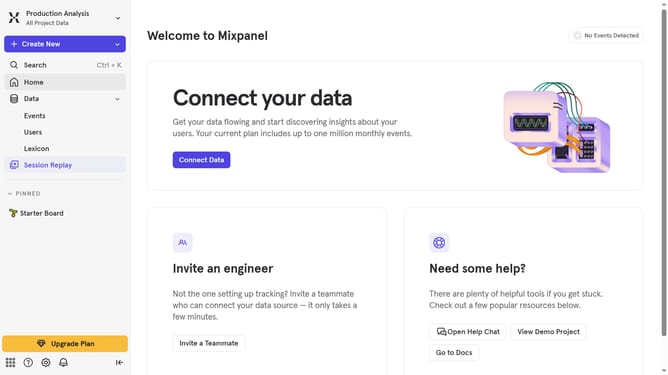
- Then hover your mouse over the "Settings" menu
- Next, click on "Project Settings"
- On the left sidebar, click on "Public Boards"
- Then click on the "Disable for Project" button
- Finally, click on the "Disable" button in the confirmation dialog
Why should you disable public board in Mixpanel
Mixpanel is a powerful analytics tool designed to help businesses understand user behavior through data-driven insights.
Disabling a public board in Mixpanel is crucial for maintaining confidentiality and ensuring that sensitive information remains within the intended audience. By doing so, you ensure that only authorized personnel can view crucial metrics, thus protecting business strategies and competitive data.
This feature enhances data security and access control, aligning with organizational goals to secure insights while leveraging Mixpanel's advanced analytics capabilities. Embrace this option to reinforce data privacy and optimize operational efficiency.
Last update