How to filter custom profile properties by not created by you in Mixpanel
Here is how to filter custom profile properties by not created by you in mixpanel
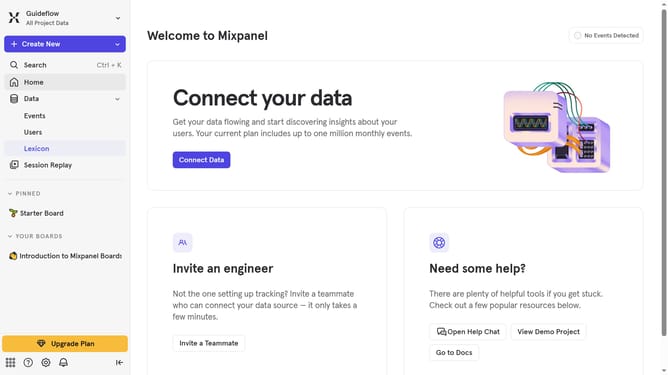
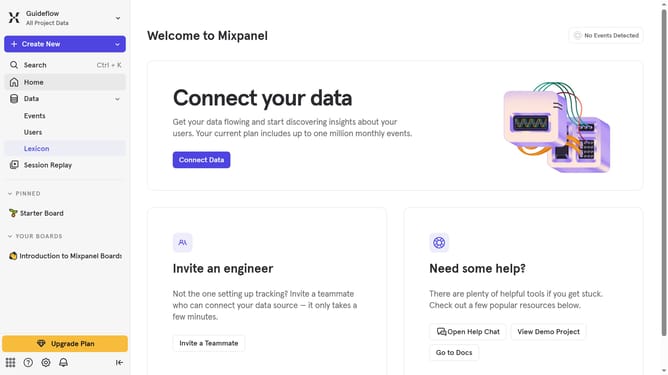
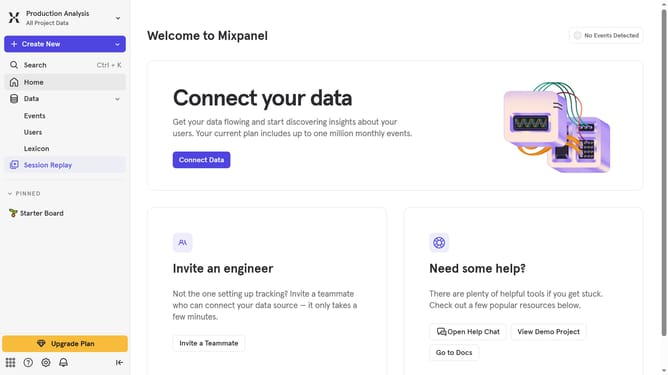
- First click on "Lexicon" item in the sidebar menu
- Then in the sidebar menu click on "Custom Profile Properties" item
- Next click on the "Filter" button
- Finally click on the "Not Created By You" checkbox
Why should you filter custom profile properties by not created by you in Mixpanel
Mixpanel is a powerful analytics tool designed to track user interactions and help drive informed decisions.
With Mixpanel's ability to filter custom profile properties, you can now effortlessly identify properties not created by you. This feature enhances data accuracy by allowing you to distinguish user-generated data from your own input.
Using this filter will save time and refine analytical insights, giving you a clear view of organic user behavior. It ensures a more streamlined and effective approach to understanding genuine interactions.
Last update