How to hide 30 day queries column in events in Mixpanel
Here is how to hide 30 day queries column in events in mixpanel
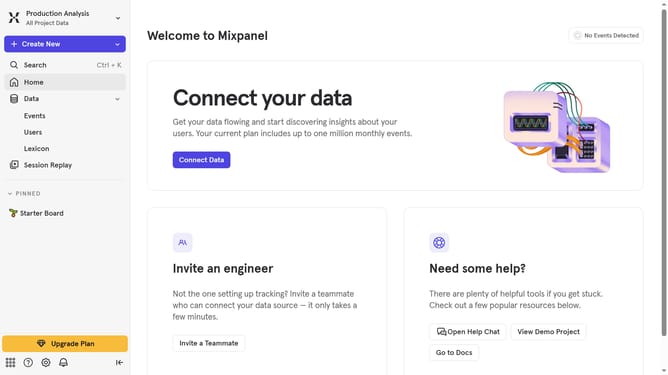
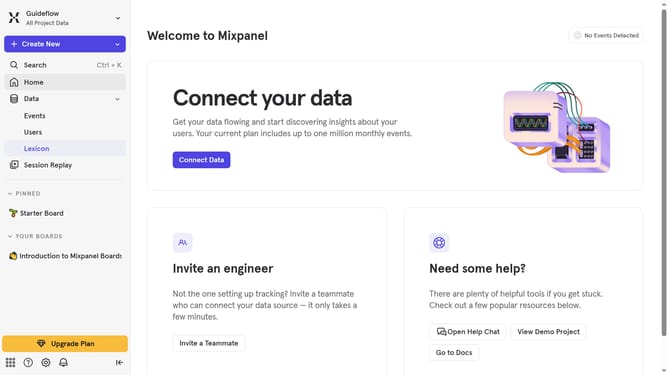
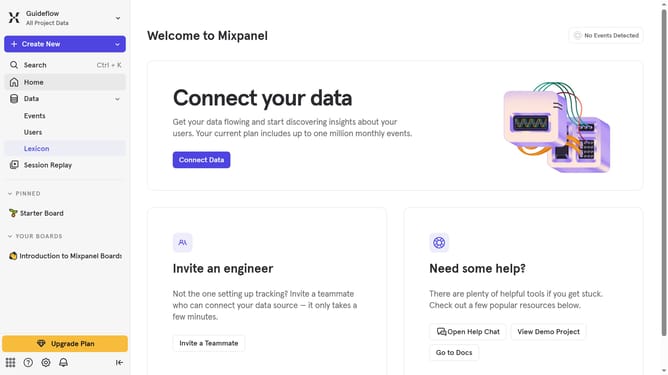
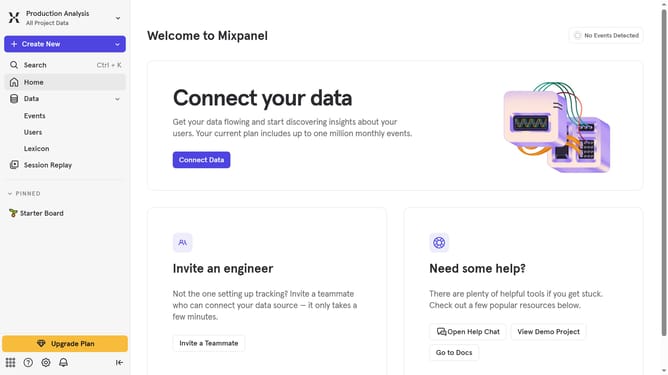
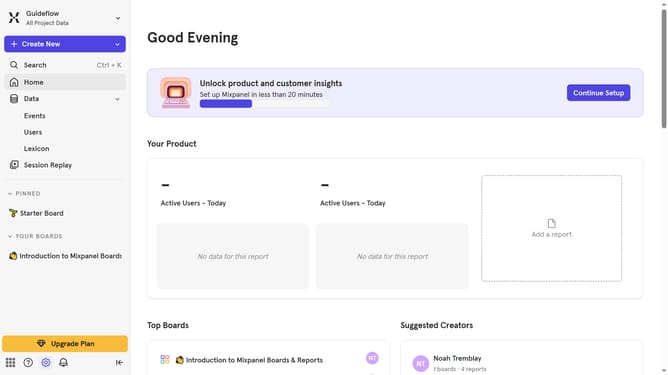
- First click on "Lexicon" tab in the left sidebar
- Then click on "Edit Columns" button
- Finally uncheck the "30 day queries" checkbox
Why should you hide 30 day queries column in events in Mixpanel
Mixpanel is a leading analytics platform that empowers businesses to understand user behavior comprehensively.
One standout feature is the ability to hide the 30-day queries column in events. This customization enhances efficiency by decluttering your data view, allowing teams to focus instantly on what's most relevant.
It's perfect for those who require a streamlined interface to maintain productivity. Simplifying the event view reduces cognitive load, making team discussions and decision-making more agile and accurate.
Last update