How to filter audit logs by experiment created in Mixpanel
Here is how to filter audit logs by experiment created in mixpanel
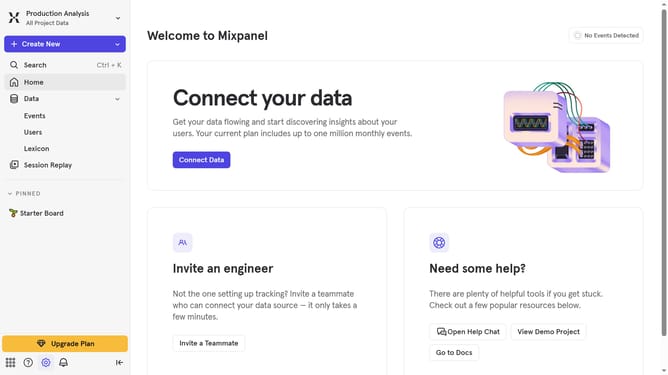
- First, click on the "Settings" icon in the left sidebar
- Then, hover your mouse cursor over the "Settings" in the dropdown menu
- Next, click the "Organization Settings" in the expanded menu
- After that, click the "Audit Log" in the left side menu
- Then, click on the "Action" dropdown menu
- Next, scroll down in the dropdown menu to view more options
- Finally, click on the "Experiment Created" checkbox
Why should you filter audit logs by experiment created in Mixpanel
Mixpanel is a powerful analytics tool designed to help businesses track and understand user interactions with their products.
The ability to filter audit logs by experiment in Mixpanel is particularly valuable for teams conducting A/B tests or other experiments. This feature allows users to effortlessly pinpoint specific actions and changes linked to individual experiments.
Having this level of clarity enables teams to easily assess the direct impact of their tests, ensuring that decisions are data-driven and strategically aligned with business goals.
Last update