How to reconnect Segment in Mixpanel
Here is how to reconnect segment in mixpanel
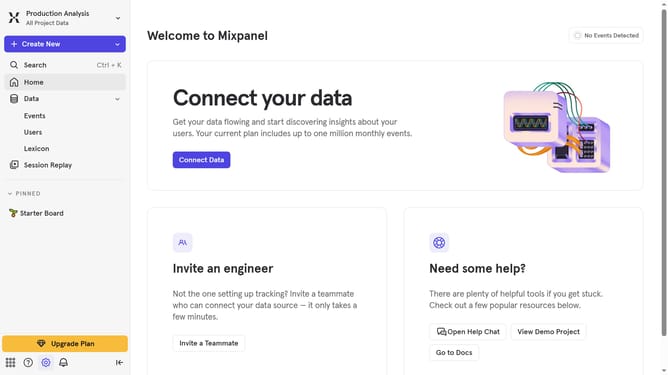
- First click on the settings icon in the bottom left sidebar
- Then click on "Integrations" in the left sidebar menu
- Next, scroll down to view more options
- Then select "Segment" from the list of integrations
- After that, click on the "Re-connect" button
- In the modal window, click on the "SEGMENT REGION" dropdown menu
- Then select your preferred segment region from the dropdown menu
- Next, click on the "API KEY' text input field and type in your API KEY
- Finally, click on the "Continue" button
Why should you reconnect Segment in Mixpanel
Mixpanel is a powerful analytics platform designed to help businesses track user interactions and optimize their product experiences.
Reconnecting Segment in Mixpanel is a feature that ensures your data flows seamlessly, maintaining accurate insights into user behavior.
This connection provides a streamlined process, minimizes data silos, and enhances data accuracy, making it easier to analyze trends and make informed decisions.
By using this feature, businesses can harness comprehensive analytics, driving growth and improving user engagement strategies effectively.
Last update