How to connect Segment in Mixpanel
Here is how to connect segment in mixpanel
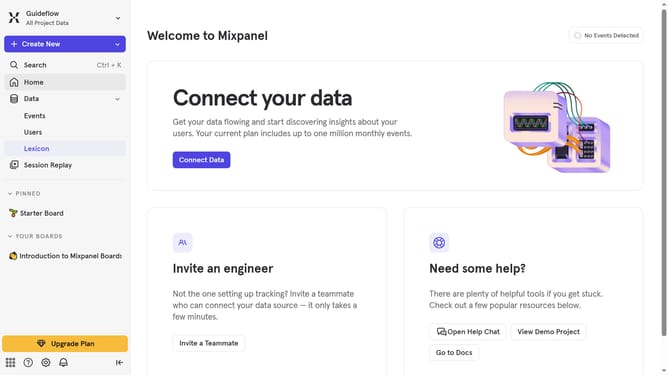
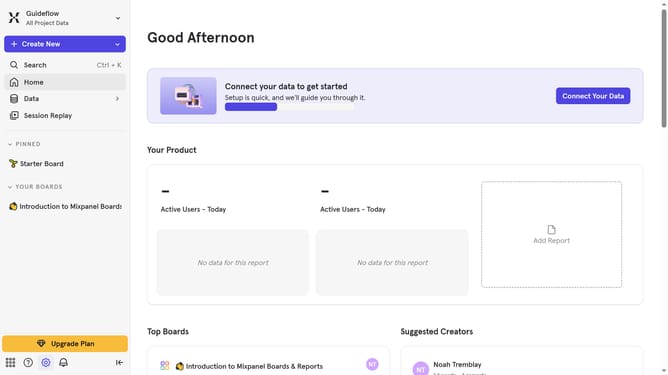
- First click on the settings icon in the bottom left sidebar
- Then click on "Integrations" in the left sidebar menu
- Next scroll down to view more options
- Then click on the "Segment" button with the green icon
- Next click on the "Connect" button
- Then click on the "Connector Name" input field and your desired connector name
- Next click on the "Select a Datacenter to export to" dropdown
- Then select your preferred segment region from the list
- Next click on the "API Key" input field and type your API KEY
- Finally click on the "Continue" button
Why should you connect Segment in Mixpanel
Mixpanel is a powerful analytics tool designed to help businesses understand user interactions with their products.
Connecting Segment in Mixpanel allows for seamless data integration, enhancing your ability to track and analyze customer behavior across various platforms. This feature eliminates the complexity of managing separate data streams, thereby offering a comprehensive view of user activity in one place.
Using this connection, businesses can make data-driven decisions more efficiently, ultimately improving their customer engagement strategies and fostering growth.
Last update