How to filter event properties to blocked in Mixpanel
Here is how to filter event properties to blocked in mixpanel
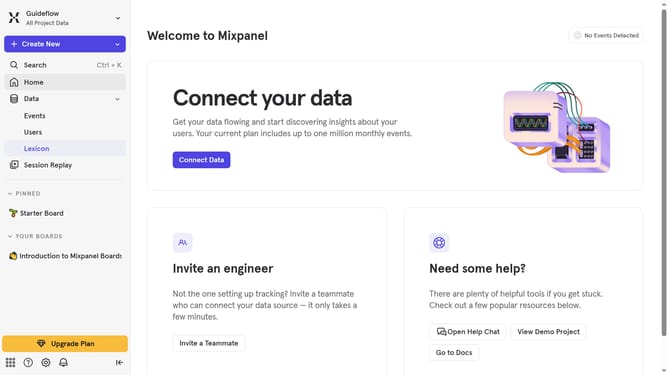
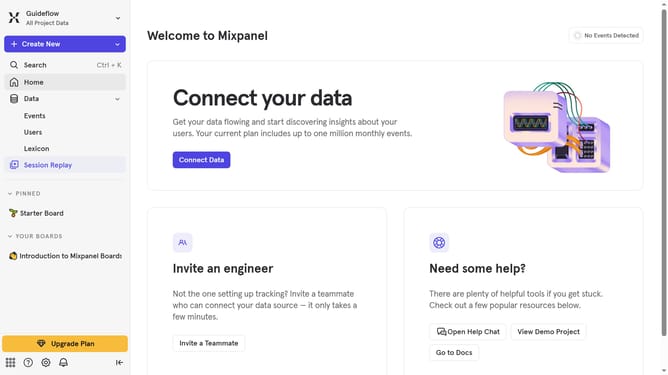
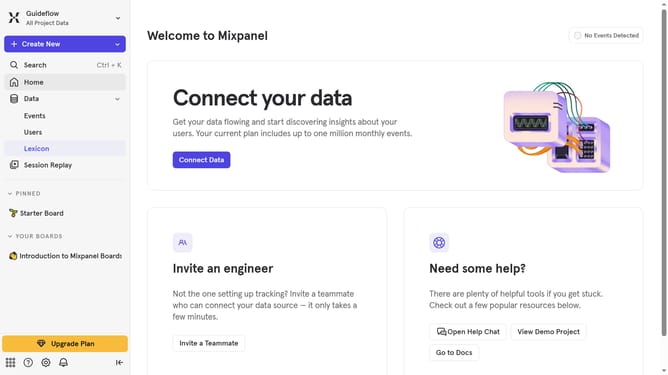
- First click on "Lexicon" from the left sidebar
- Then click on "Event Properties" from the left sidebar
- Next click on the "Filter" button in the main content area
- Finally select the "Blocked" checkbox
Why should you filter event properties to blocked in Mixpanel
Mixpanel is a powerful analytics tool designed to help businesses understand user behavior and make data-driven decisions.
One of its standout features is the ability to filter event properties to blocked, which empowers users to maintain data integrity effortlessly. Filtering out unwanted event properties prevents clutter and ensures that analyses remain focused on the most relevant data.
This feature is especially beneficial for maintaining clean datasets, allowing for more precise event tracking, and ultimately supporting more accurate insights and better business strategies.
Last update