How to hide description column in profile properties in Mixpanel
Here is how to hide description column in profile properties in mixpanel
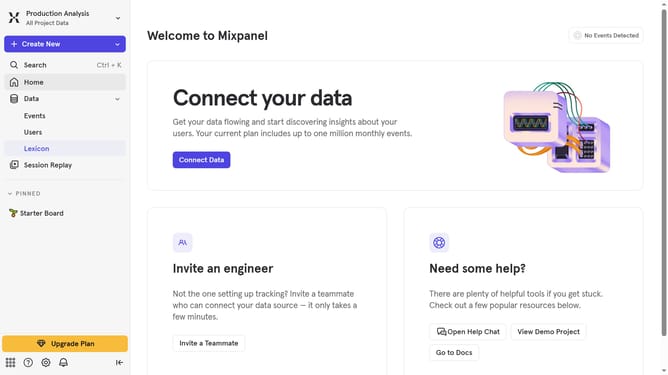
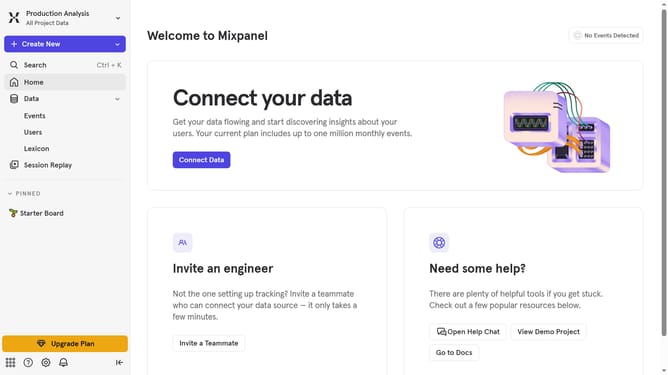
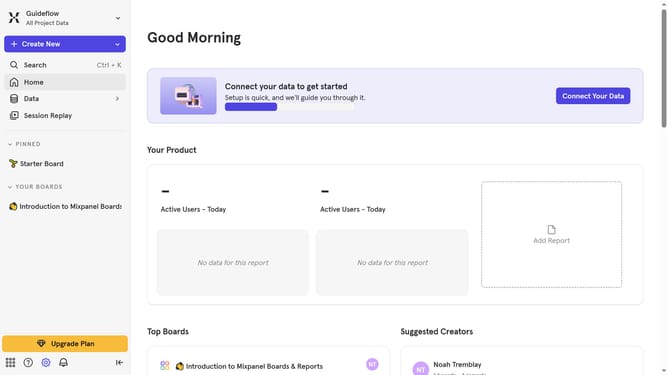
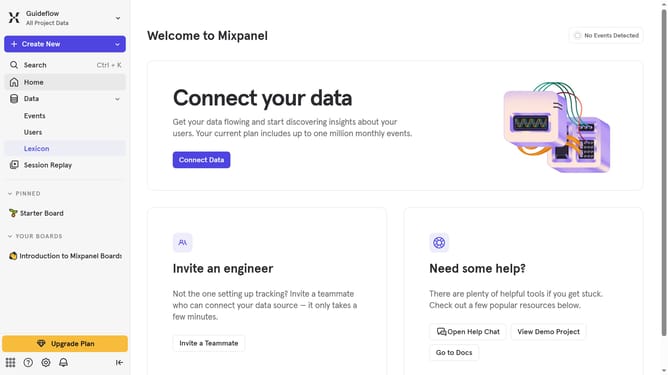
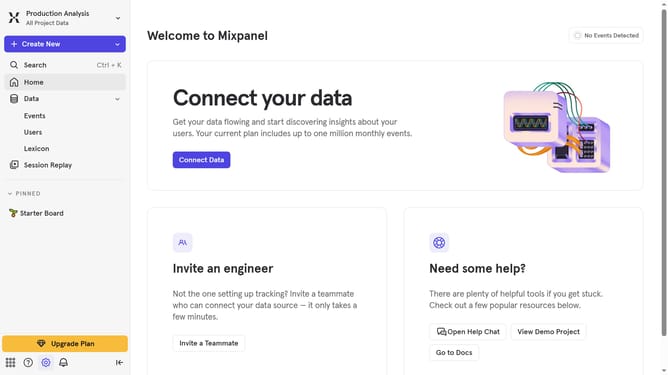
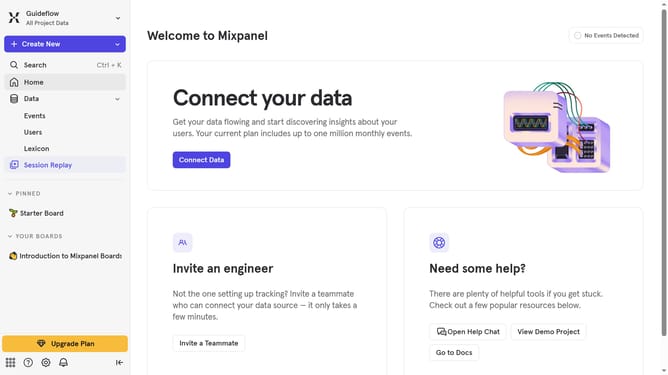
- First click on "Lexicon" in the left sidebar
- Then click on "Profile Properties" in the left sidebar
- Next click on the "Edit Columns" button
- Finally uncheck the checkbox next to "Description"
Why should you hide description column in profile properties in Mixpanel
Mixpanel is a powerful analytics tool that helps businesses understand user behavior and drive data-driven decisions.
One convenient feature in Mixpanel is the ability to hide the description column in profile properties.
This feature enhances clarity by reducing visual clutter, allowing teams to focus on the most relevant data without distractions.
Utilizing this option can streamline your team's workflow and improve the efficiency of data analysis.
Last update