How to hide display name column in profile properties in Mixpanel
Here is how to hide display name column in profile properties in mixpanel
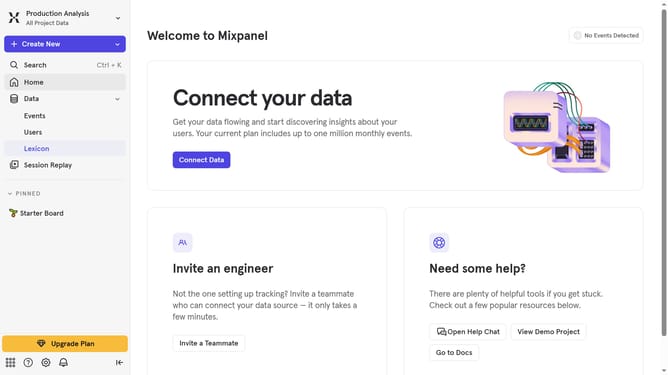
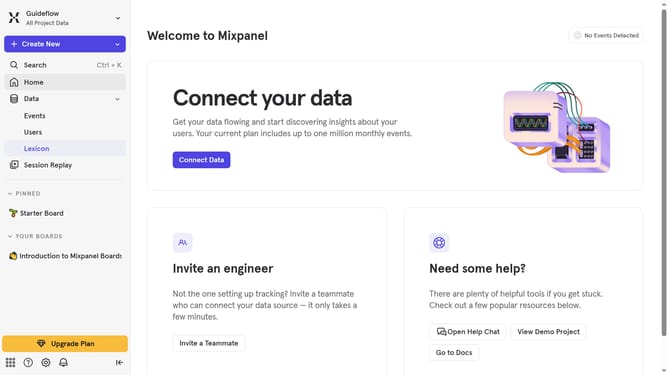
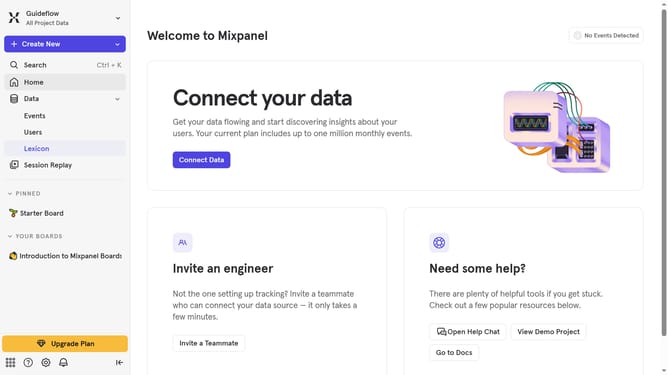
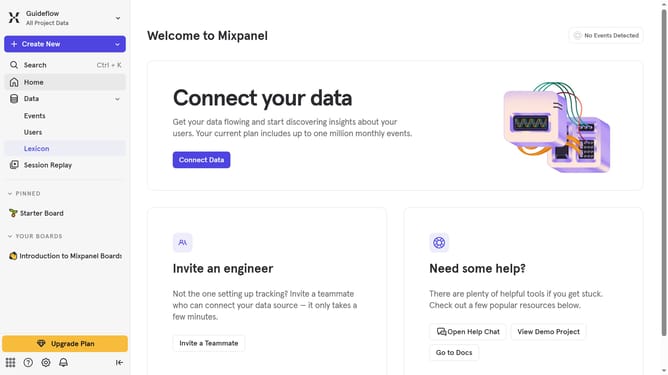
- First click on "Lexicon" item in the left sidebar
- Then click on "Profile Properties" item in the left sidebar
- Then click on "Edit Columns" button
- Finally uncheck the checkbox next to "Display name" in the "Select columns to display" dropdown
Why should you hide display name column in profile properties in Mixpanel
Mixpanel is a powerful analytics platform that helps businesses understand how users interact with their products.
One useful feature in Mixpanel is the ability to manage the appearance of profile properties, such as hiding the display name column.
This feature is particularly beneficial for teams who need a cleaner view of essential data, enhancing focus and efficiency. By concealing non-essential columns, organizations can streamline workflows and maintain clarity in data presentation. This ensures that insights are drawn from the most pertinent information.
Last update