How to remove your properties filter from profile properties in Mixpanel
Here is how to remove your properties filter from profile properties in mixpanel
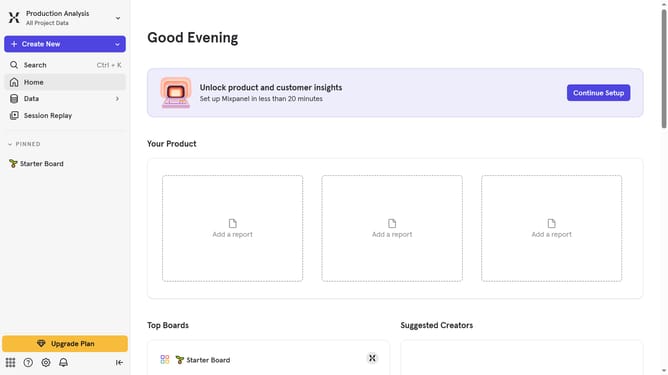
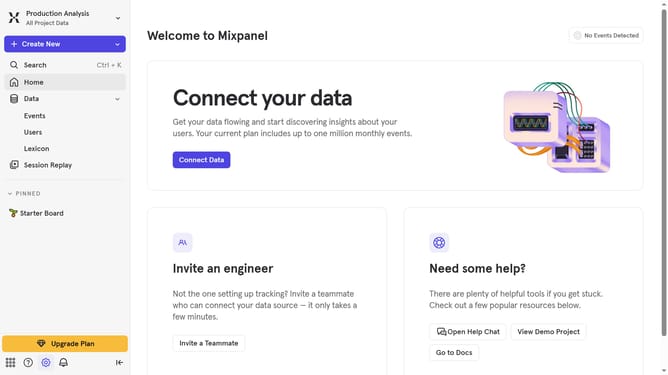
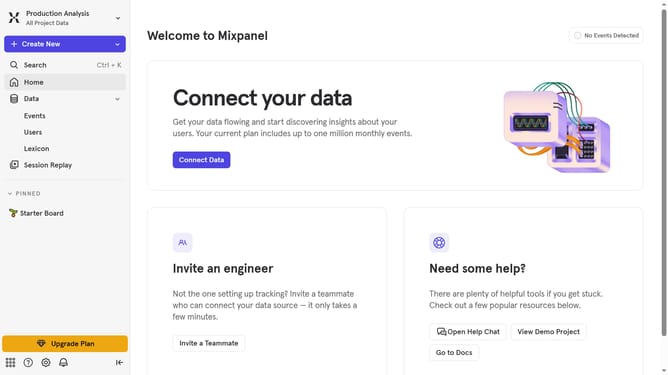
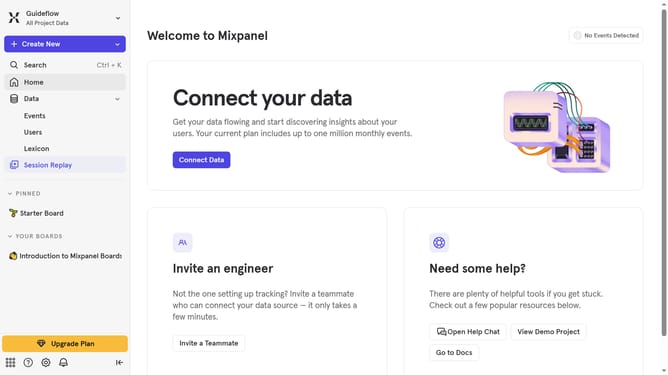
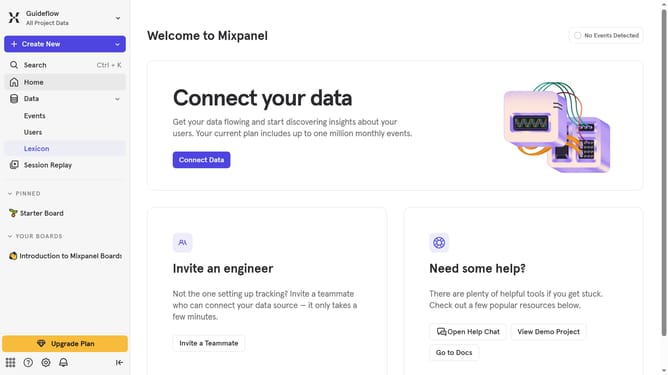
- First click on "Lexicon" item in the left sidebar
- Then click on "Profile Properties" item in the left sidebar
- Next click on "Filter" button
- Finally uncheck the "Your Properties" option from the dropdown menu
Why should you remove your properties filter from profile properties in Mixpanel
Mixpanel is a powerful analytics platform designed to help businesses understand user interactions and drive smarter decisions.
Removing the properties filter from profile properties in Mixpanel is vital for achieving a more streamlined data view. This feature allows you to declutter your analytics dashboard by eliminating unnecessary filters that may not be relevant to your current analysis.
By removing these filters, you can focus on the exact data that matters most, leading to more accurate insights and impactful decisions. This approach enhances data clarity and optimizes your analysis process without complexity.
Last update