How to filter audit logs by experiment restored in Mixpanel
Here is how to filter audit logs by experiment restored in mixpanel
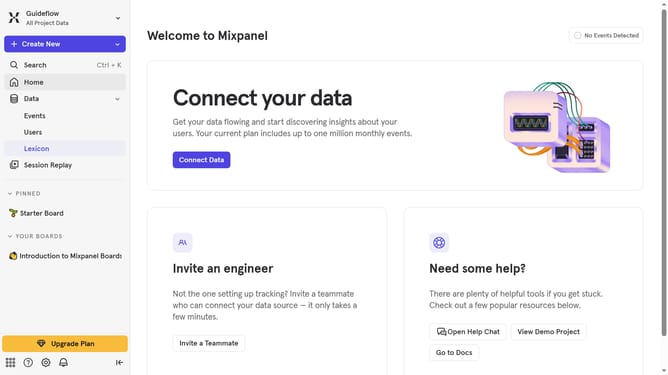
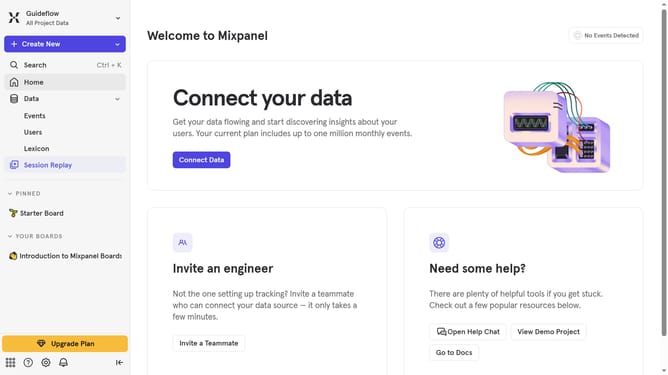
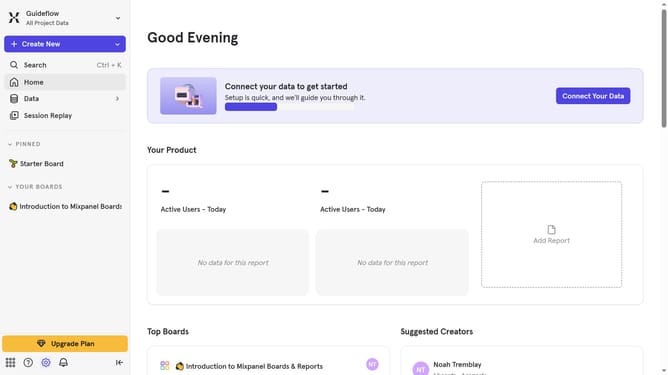
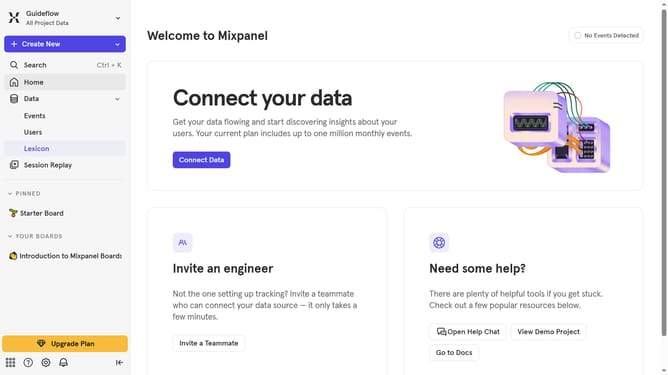
- First click on the settings icon in the left sidebar
- Then hover your mouse cursor over the "Settings" menu
- Next, select "Organization Settings"
- Click on "Audit Log" in the left navigation pane
- Then click on the "Action" dropdown menu
- Then scroll down in the dropdown menu
- Finally click on the checkbox next to "Experiment Restored"
Why should you filter audit logs by experiment restored in Mixpanel
Mixpanel is a powerful analytics platform aimed at helping businesses understand user behavior.
An essential feature within Mixpanel is the ability to filter audit logs by experiments that have been restored.
Utilizing this feature allows companies to track past changes and understand their impact clearly.
It helps in making informed decisions by providing a straightforward method to trace and analyze the history of experiments efficiently.
Last update