How to hide description column in custom event properties in Mixpanel
Here is how to hide description column in custom event properties in mixpanel
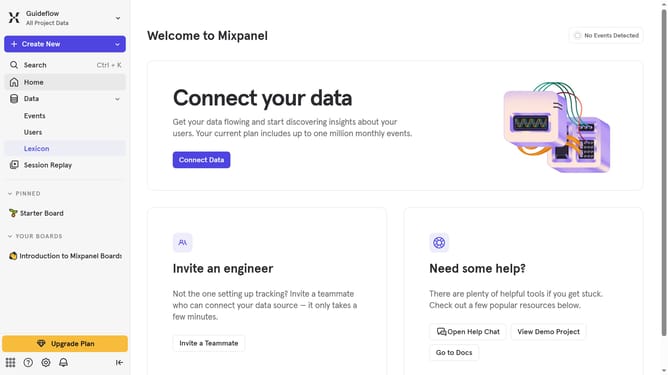
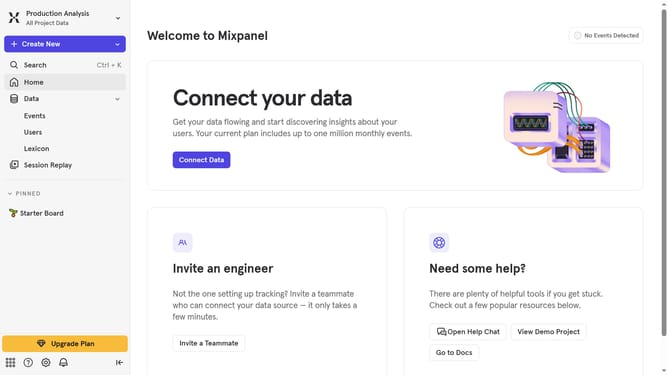
- First, click on "Lexicon" in the navigation menu
- Then, click on "Custom Event Properties" in the sidebar
- Next, click on the "Edit Columns" button
- Finally, uncheck the "Description" checkbox in the column selection menu
Why should you hide description column in custom event properties in Mixpanel
Mixpanel is a powerful analytics platform designed to help businesses understand user behavior through in-depth data insights.
One standout feature is the ability to hide the description column in custom event properties. This feature streamlines your data view, allowing for a cleaner interface and a more focused analysis environment.
Eliminating clutter enables faster decision-making and reduces cognitive load. It ensures that the essential data is front and center, enhancing productivity by directing attention to the metrics that matter most.
Last update