How to turn off slack notification in Mixpanel
Here is how to turn off slack notification in mixpanel
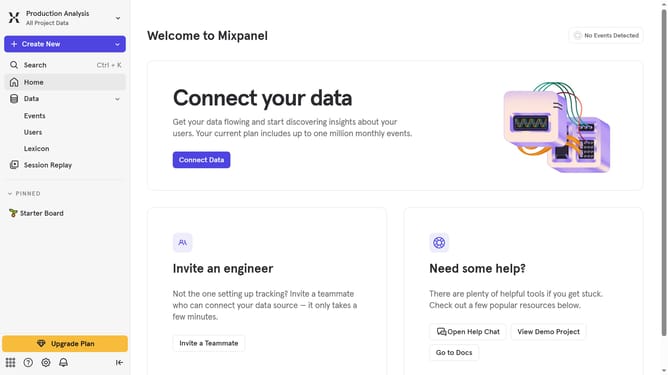
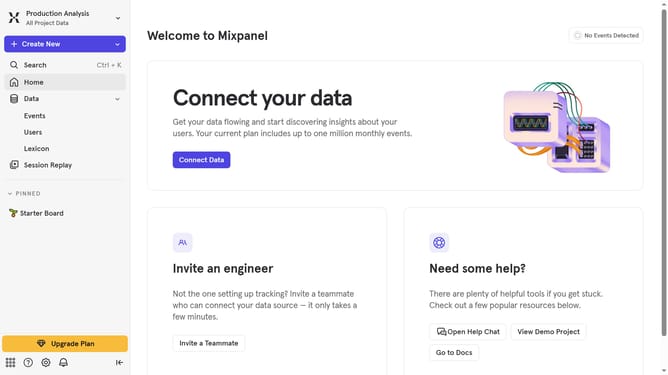
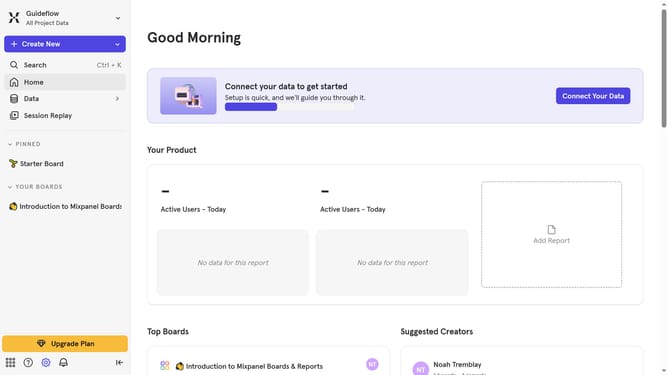
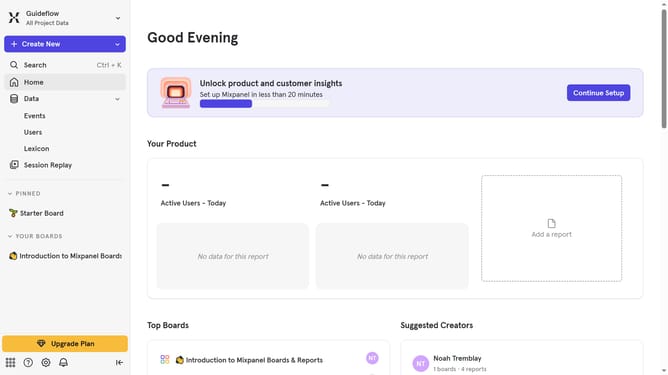
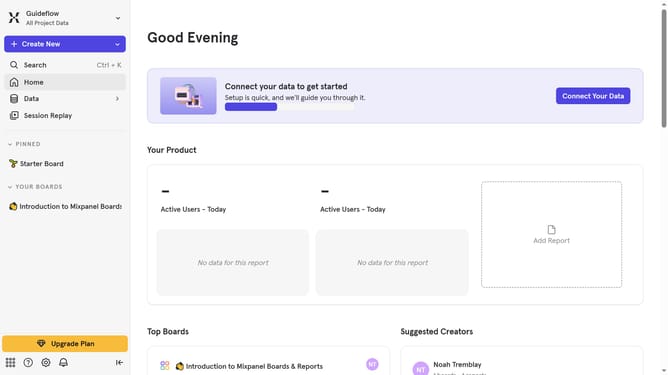
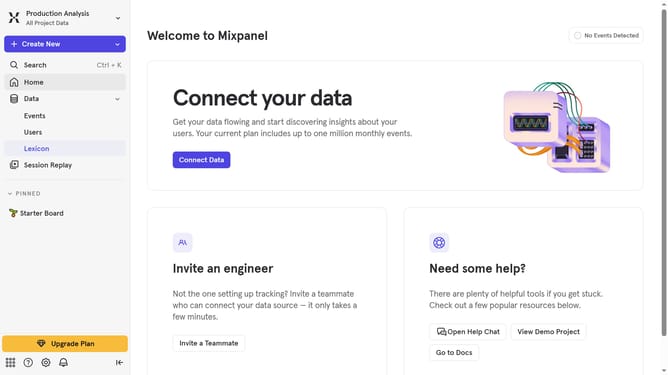
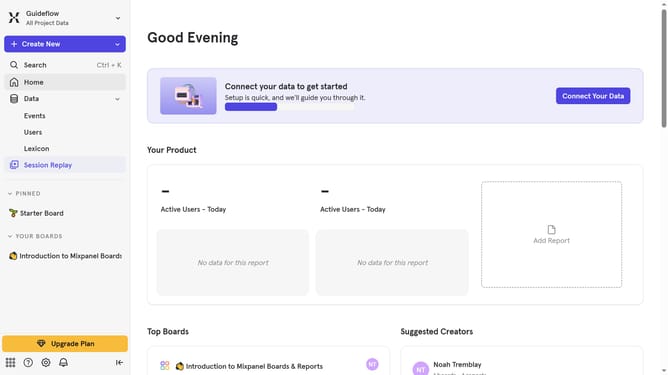
- First click on the "Notification" icon in the header
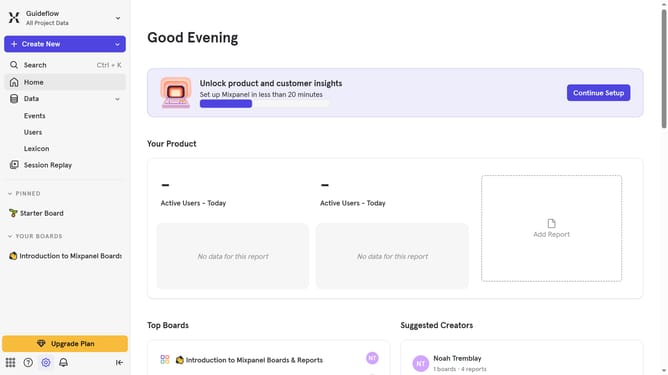
- Then click on the "Settings" icon on the page
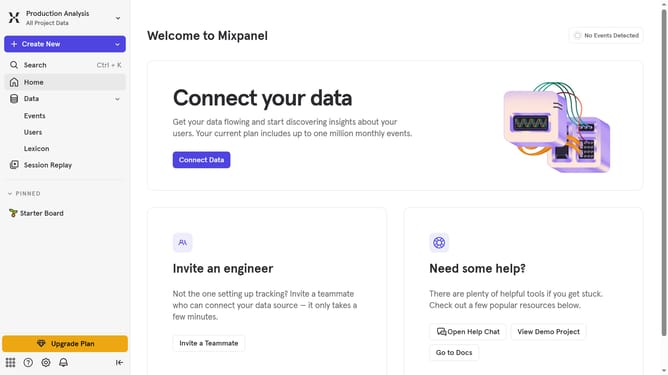
- Finally switch off the "Slack notifications" toggle switch by clicking it
Why should you turn off slack notification in Mixpanel
Mixpanel is a powerful analytics platform designed to track user interactions with web and mobile applications.
One of the key features is the ability to manage Slack notifications easily.
Turning off Slack notifications in Mixpanel can help reduce distractions and maintain focus while still leveraging the valuable insights Mixpanel provides.
This feature is beneficial for teams who prefer to centralize their communication and engage with analytical insights on their own schedule, enhancing productivity and workflow efficiency.
Last update