How to filter audit logs by user data deletion requested in Mixpanel
Here is how to filter audit logs by user data deletion requested in mixpanel
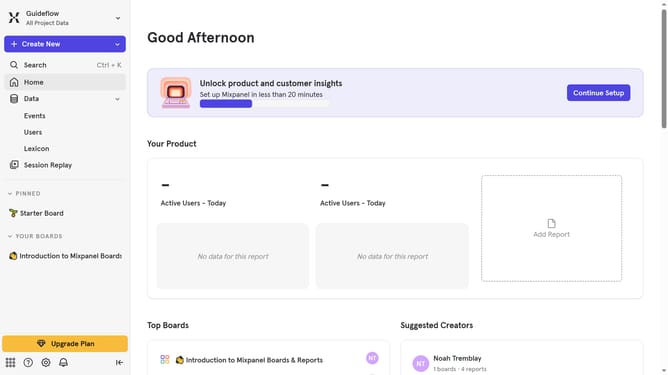
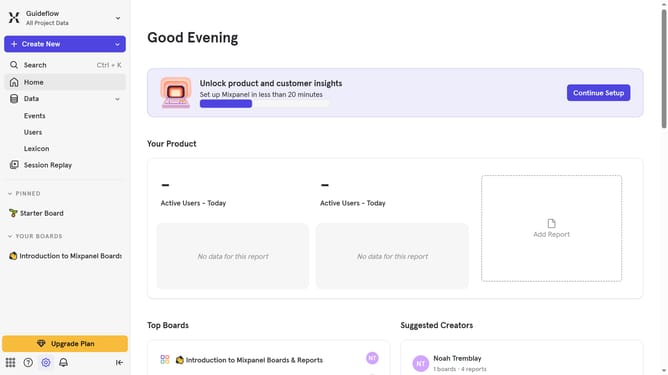
- First click on the settings icon on the bottom left of the main dashboard
- Then hover your mouse cursor over the "Settings" from the menu that appears
- Next click on "Organization Settings" from the expanded settings menu
- Then click on the "Audit Log" option in the left sidebar
- Click on the "Action" dropdown in the top menu
- Then scroll down in the dropdown menu
- Finally click on the checkbox next to "User Data Deletion Requested"
Why should you filter audit logs by user data deletion requested in Mixpanel
Mixpanel is a powerful analytics platform designed to help businesses gain insights into user behavior.
A standout feature in Mixpanel is the ability to filter audit logs by user data deletion requests. This is crucial for maintaining transparency and compliance with privacy regulations.
By filtering audit logs, businesses can effortlessly track and document user data deletion activities. This ensures accountability and builds trust with users by showing commitment to data protection.
Overall, this feature not only enhances operational efficiency but also strengthens the company's reputation for data privacy.
Last update