How to filter event properties by your Mixpanel properties in Mixpanel
Here is how to filter event properties by your mixpanel properties in mixpanel
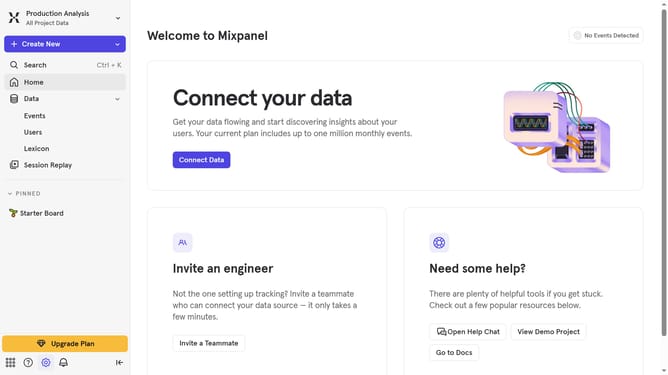
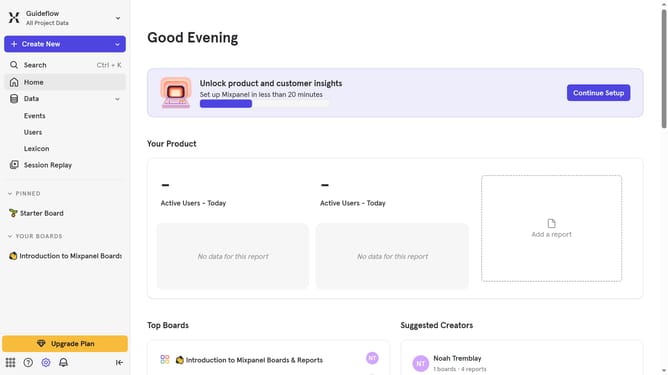
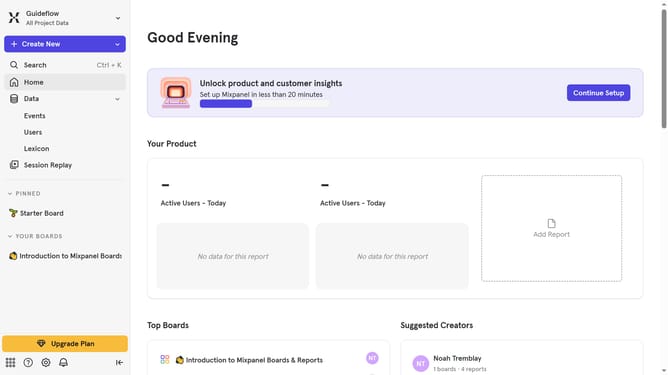
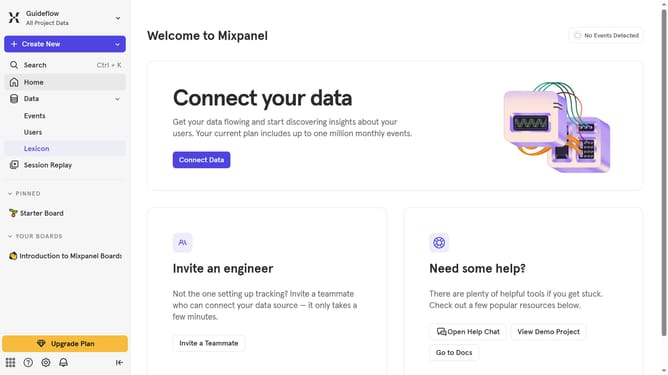
- First click on "Lexicon" in the left sidebar
- Then click on "Event Properties" in the left sidebar
- Next click on the "Filter" button
- Then scroll down to view more options
- Finally select "Mixpanel Properties" type
Why should you filter event properties by your Mixpanel properties in Mixpanel
Mixpanel is a powerful analytics platform designed to help businesses understand user interactions and drive growth.
The feature that allows users to filter event properties by their Mixpanel properties is a game-changer in data analysis.
By leveraging this feature, businesses can gain deeper insights into user behavior by pinpointing specific actions or trends with precision.
This can lead to more informed decision-making and an enhanced ability to tailor experiences that delight users and increase retention.
Last update