How to filter audit logs by feature flag deleted in Mixpanel
Here is how to filter audit logs by feature flag deleted in mixpanel
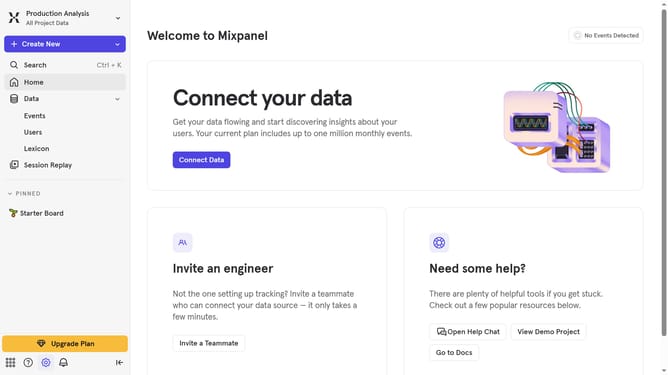
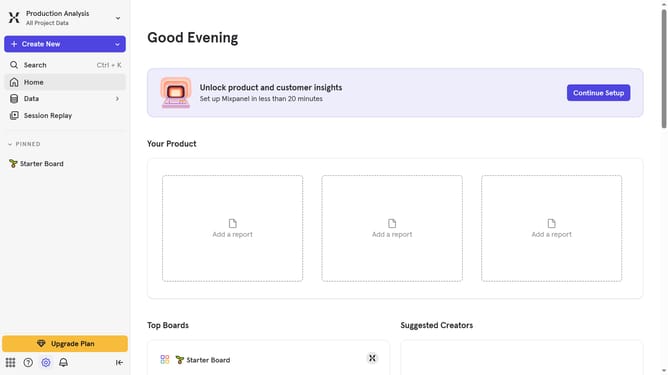
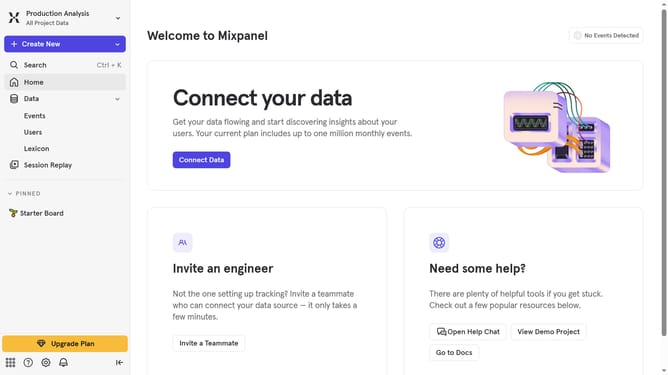
- First click on the gear icon in the bottom left sidebar
- Then hover your mouse cursor over the "Settings" option
- Next click on "Organization Settings" to navigate to the organization settings page
- In the left sidebar menu, click on "Audit Log"
- Click on the "Action" dropdown in the audit log view
- Then scroll down to view more options
- Finally, click on the checkbox next to "Feature Flag Deleted" to select it
Why should you filter audit logs by feature flag deleted in Mixpanel
Mixpanel is an advanced analytics platform that helps businesses track and understand user interactions with their products.
One distinctive feature of Mixpanel is its ability to filter audit logs by feature flag deleted. This feature allows teams to quickly pinpoint instances where specific flags were removed, offering insights into product changes and decision-making processes.
Using this feature supports efficient auditing and helps maintain an organized overview of how different elements within your application evolve. This leads to more informed strategizing and enhanced product development workflows.
Last update