How to hide example value column in custom event properties in Mixpanel
Here is how to hide example value column in custom event properties in mixpanel
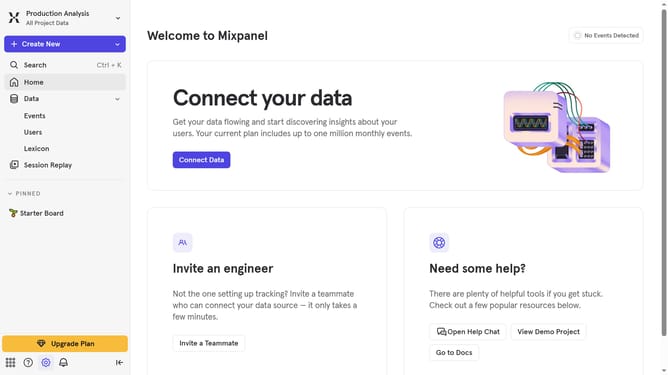
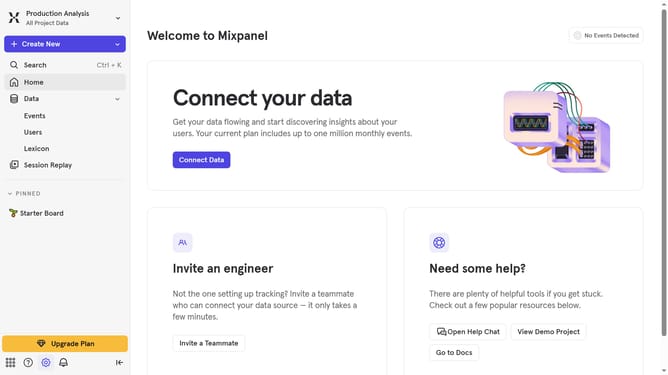
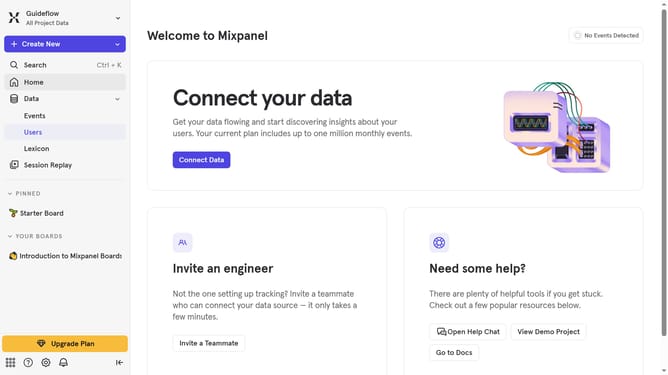
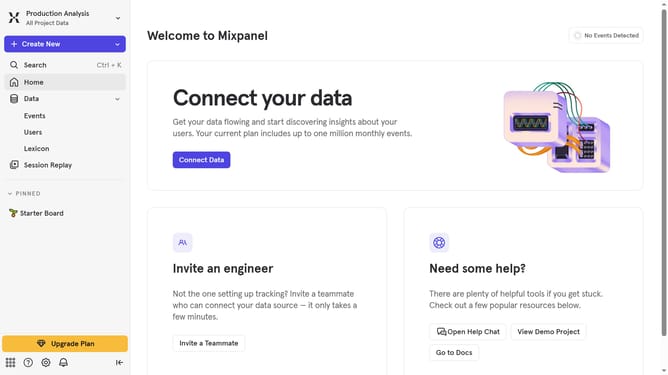
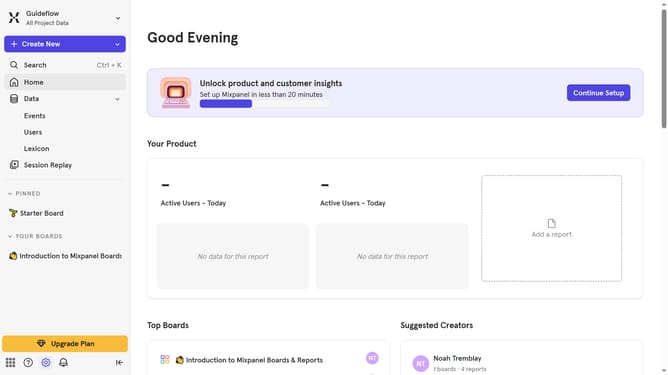
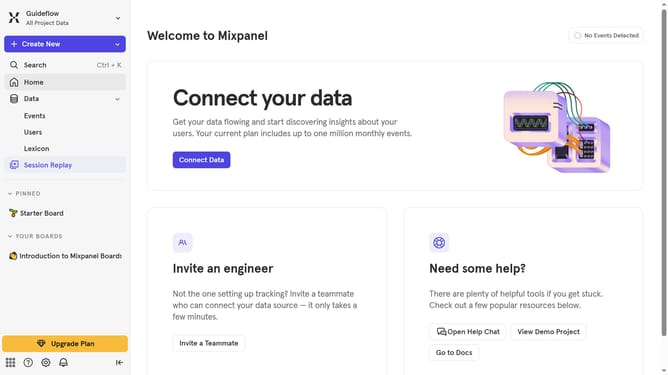
- First click on "Lexicon" in the left sidebar
- Then click on "Custom Event Properties" in the left sidebar
- Next click on the "Edit Columns" button
- Finally uncheck the "Example Value" checkbox
Why should you hide example value column in custom event properties in Mixpanel
Mixpanel is a powerful analytics platform designed to help businesses understand user behavior across their web and mobile products.
One of its useful features is the ability to hide example value columns in custom event properties. This allows users to declutter their data view and focus on the metrics that truly matter to them.
By streamlining the interface, teams can improve data analysis efficiency, speeding up decision-making processes. This feature ensures that critical data is highlighted, reducing distractions and enhancing productivity.
Last update