How to show 30 day volume column in events in Mixpanel
Here is how to show 30 day volume column in events in mixpanel
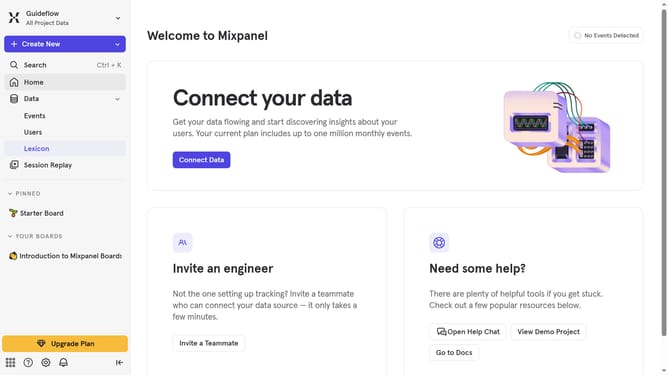
- First, in the left sidebar, click on "Lexicon" in the Data section
- Next, click on the "Edit Columns" button
- Finally, in the column selection menu, click on the checkbox next to "30 day volume"
Why should you show 30 day volume column in events in Mixpanel
Mixpanel empowers businesses to gain invaluable insights by tracking user interactions with unparalleled precision.
One of its standout features is displaying the 30-day volume in event analytics. This allows users to quickly assess the frequency of specific events over the past month, offering a clear picture of trends and data spikes.
Utilizing this feature facilitates more informed decision-making, enabling optimization of product strategies and enhancing user experience by understanding engagement patterns.
Last update