How to export audit logs in Mixpanel
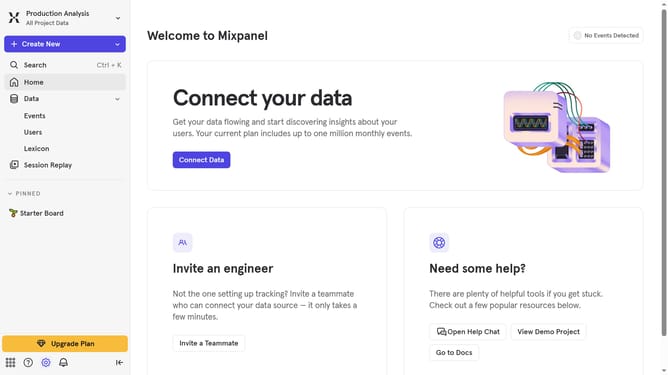
Here is how to export audit logs in mixpanel
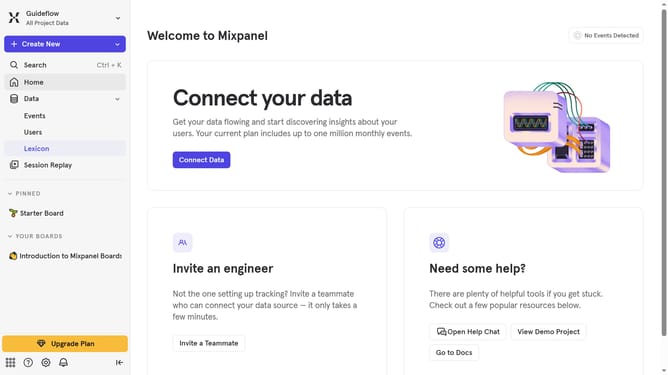
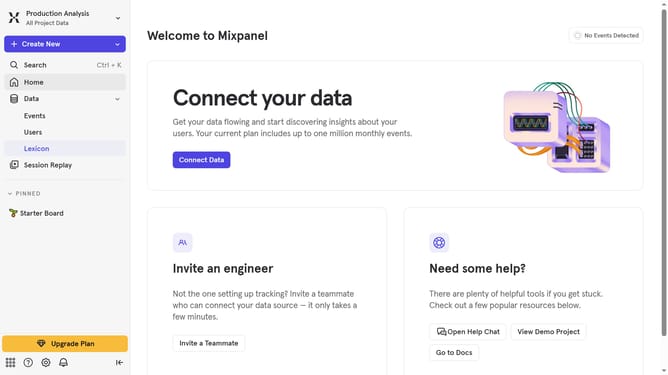
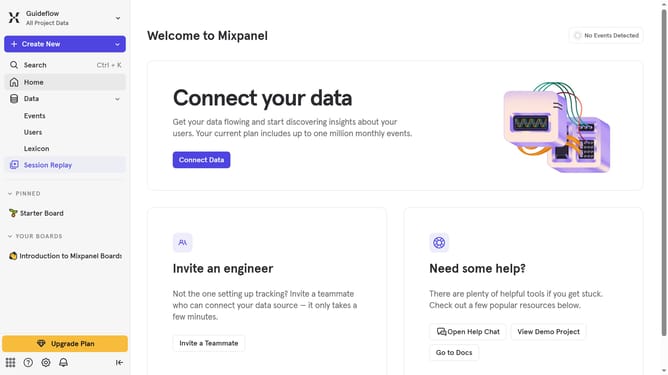
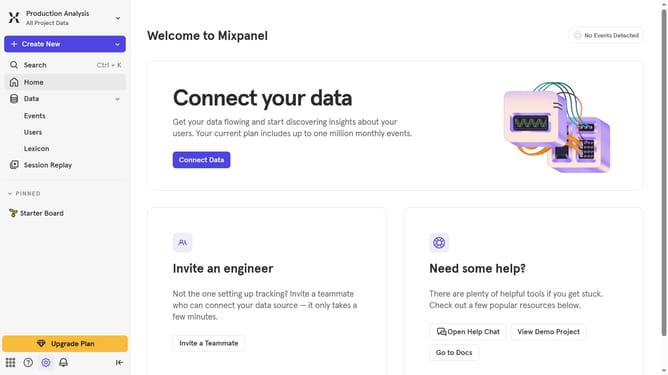
- First click on the settings icon in the left sidebar
- Then hover your mouse cursor over the "Settings" menu
- Next select "Project Settings" from the dropdown menu
- Then click on "Audit Log" in the left sidebar of the settings page
- Click on the "Export" button located in the top right corner of the Audit Log page
- Finally, click the "Export" button in the confirmation dialog
Why should you export audit logs in Mixpanel
Mixpanel is a powerful analytics tool designed to help businesses understand and engage with their users through deep data insights.
The feature to export audit logs in Mixpanel is incredibly valuable for maintaining transparency and accountability in your analytics work.
By exporting audit logs, teams can keep a detailed record of all activities within their accounts, ensuring seamless collaboration and pinpointing changes effortlessly.
This capability supports proactive security measures and allows for comprehensive reviews and assessments of user actions and system modifications.
Last update