How to reconnect Insider in Mixpanel
Here is how to reconnect insider in mixpanel
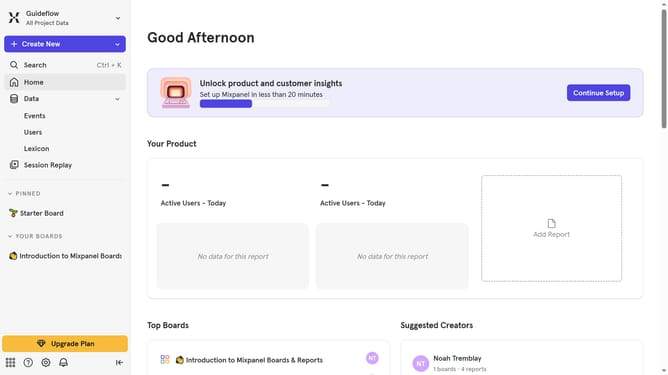
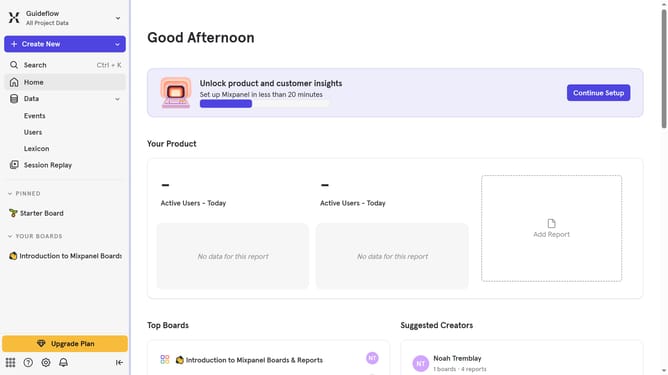
- First click on the gear icon in the bottom left corner
- Then click on "Integrations" in the sidebar menu
- Next scroll down to view more options
- After that click on the "Insider" integration
- Then click the "Re-connect" button
- Next click on the "API Key" field and enter the API key
- Finally click on the "Continue" button
Why should you reconnect Insider in Mixpanel
Mixpanel is a powerful analytics tool designed to help businesses gain insights into user behavior and engagement.
Reconnecting Insider in Mixpanel allows you to seamlessly integrate user data, providing a more comprehensive view of your audience's actions across platforms.
By using this feature, businesses can enhance their data accuracy, leading to more informed decisions and better strategic planning.
Ultimately, this integration fosters a deeper understanding of user journeys and reinforces data-driven growth strategies.
Last update