How to hide description column in lookup tables in Mixpanel
Here is how to hide description column in lookup tables in mixpanel
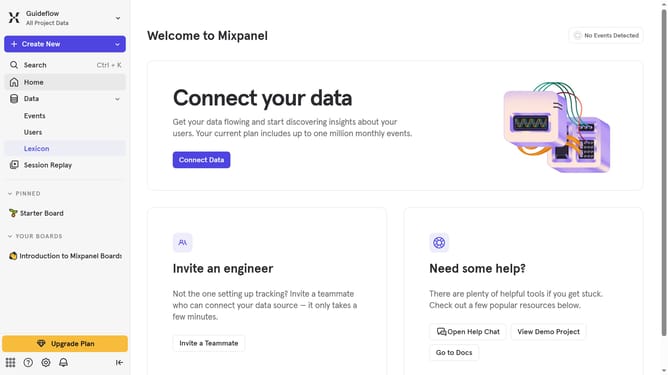
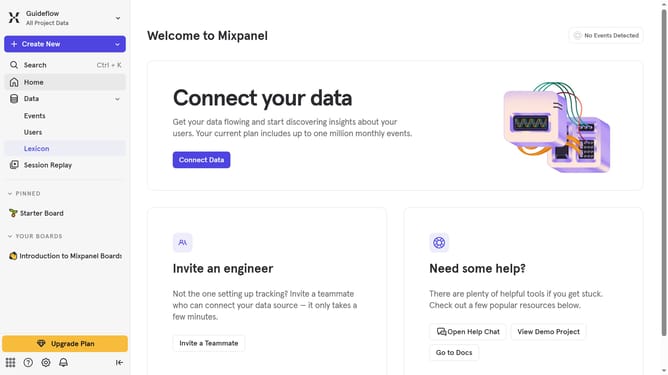
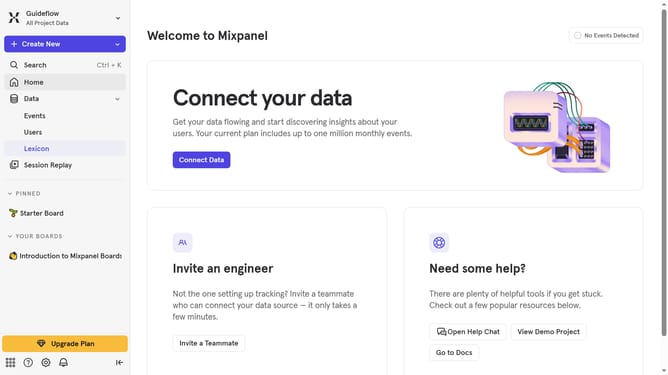
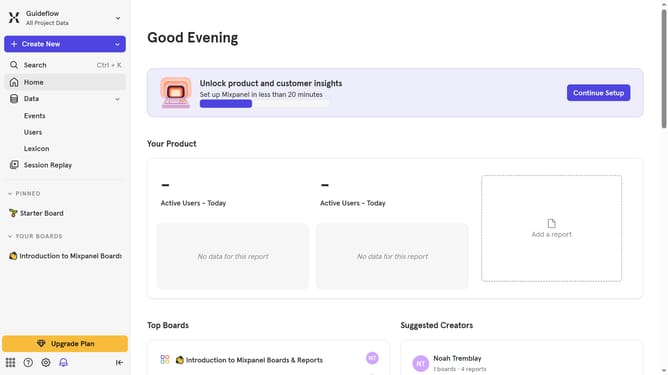
- First click on "Lexicon" in the left sidebar
- Then click on "Lookup Tables" in the left sidebar
- Next click on the "Edit Columns" button
- Finally uncheck the checkbox next to "Description" to hide the column
Why should you hide description column in lookup tables in Mixpanel
Mixpanel is a leading analytics platform that empowers businesses to understand user interactions for smarter decision-making.
One valuable feature in Mixpanel is the ability to hide the description column in lookup tables. This feature is particularly useful for users who need a streamlined view, focusing only on essential data without extraneous details.
By removing non-essential columns, users can enhance data readability and reduce cognitive load, facilitating quicker insights and a more efficient workflow. This empowers teams to focus on what truly matters, improving decision-making and driving performance.
Last update