How to disconnect Productboard in Mixpanel
Here is how to disconnect productboard in mixpanel
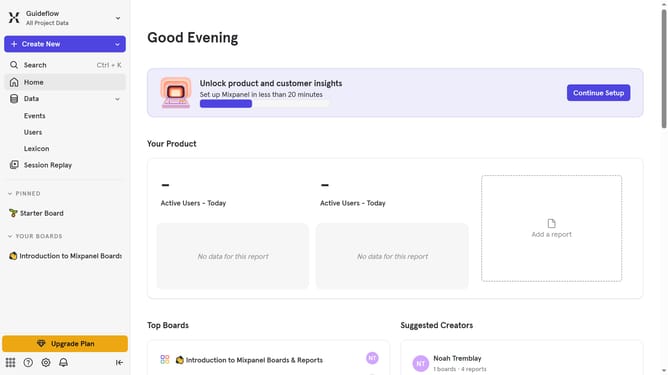
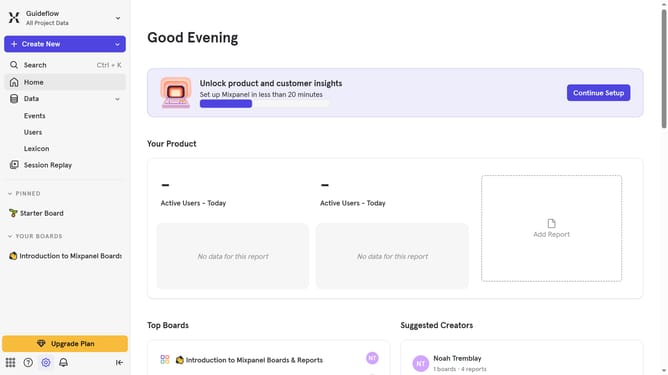
- First click on the settings icon in the bottom left of the screen
- Then click on "Integrations" in the left sidebar
- Next scroll down to view more options
- Click on the "Productboard" option
- Then click on the "Disconnect" button
- Finally click on the "Disconnect" button in the confirmation dialog
Why should you disconnect Productboard in Mixpanel
Mixpanel is a powerful analytics platform that helps you understand user behavior to drive product success.
Disconnecting Productboard from Mixpanel can enhance your team's flexibility and focus. This feature allows you to streamline data flow and better allocate resources, tailoring insights to meet your evolving business needs.
Utilizing this option helps refine your product management strategy by eliminating unnecessary complexities. It fosters a cleaner integration approach, boosting your productivity by keeping your analytics environment pristine and focused.
Last update