How to reconnect VWO in Mixpanel
Here is how to reconnect vwo in mixpanel
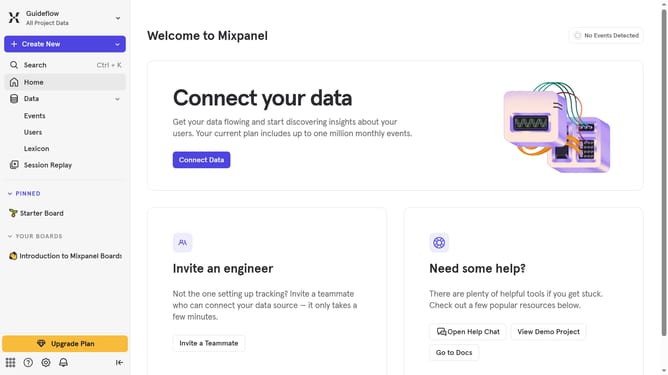
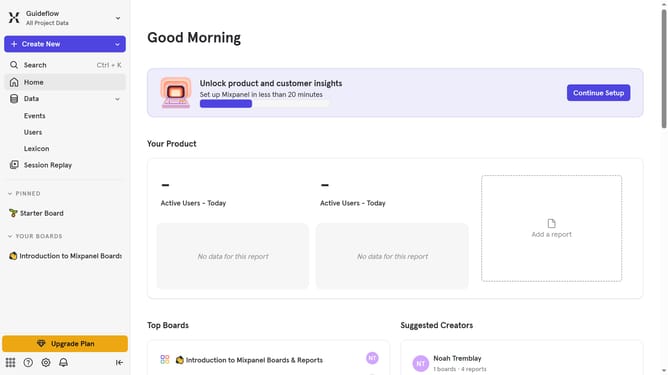
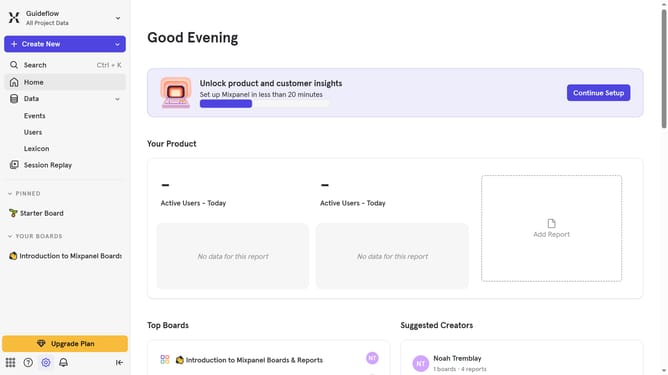
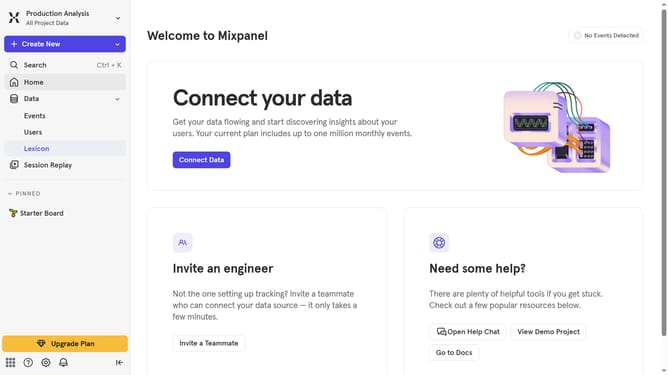
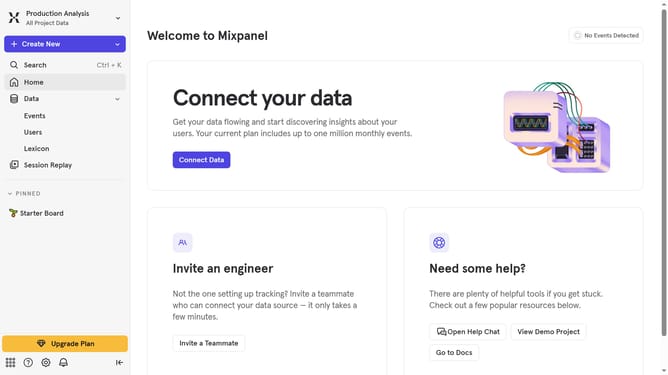
- First click on the Settings icon in the left sidebar
- Then click on "Integrations" in the sidebar menu
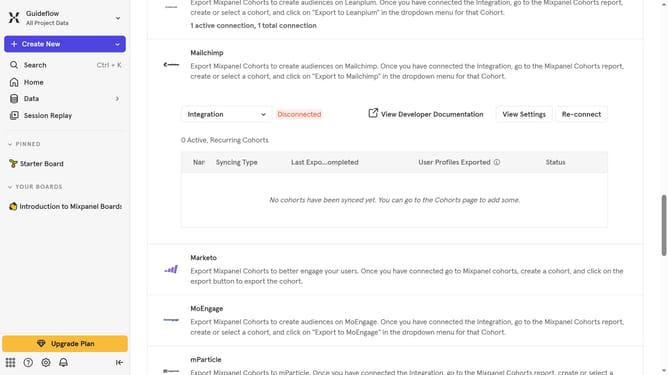
- Next scroll down to view more options
- Then click on the "VWO" integration option
- Next click on the "Re-connect" button to confirm
- Then click on the "API Key" input field and type in your API KEY
- Next click on the "Select a Datacenter to export to" dropdown menu
- Then select your preferred Datacenter location from the dropdown list
- Finally click on the "Continue" button
Why should you reconnect VWO in Mixpanel
Mixpanel is a powerful analytics tool designed to help businesses understand user behavior.
Reconnecting VWO in Mixpanel consolidates data-driven insights, enhancing the efficiency of marketing strategies.
By seamlessly syncing VWO's experimentation data with Mixpanel's analysis, users gain comprehensive feedback on user interactions.
This integration empowers companies to tailor experiences and optimize engagement based on real-time metrics, driving better business outcomes.
Last update