Here is how to show id column in lookup tables in mixpanel
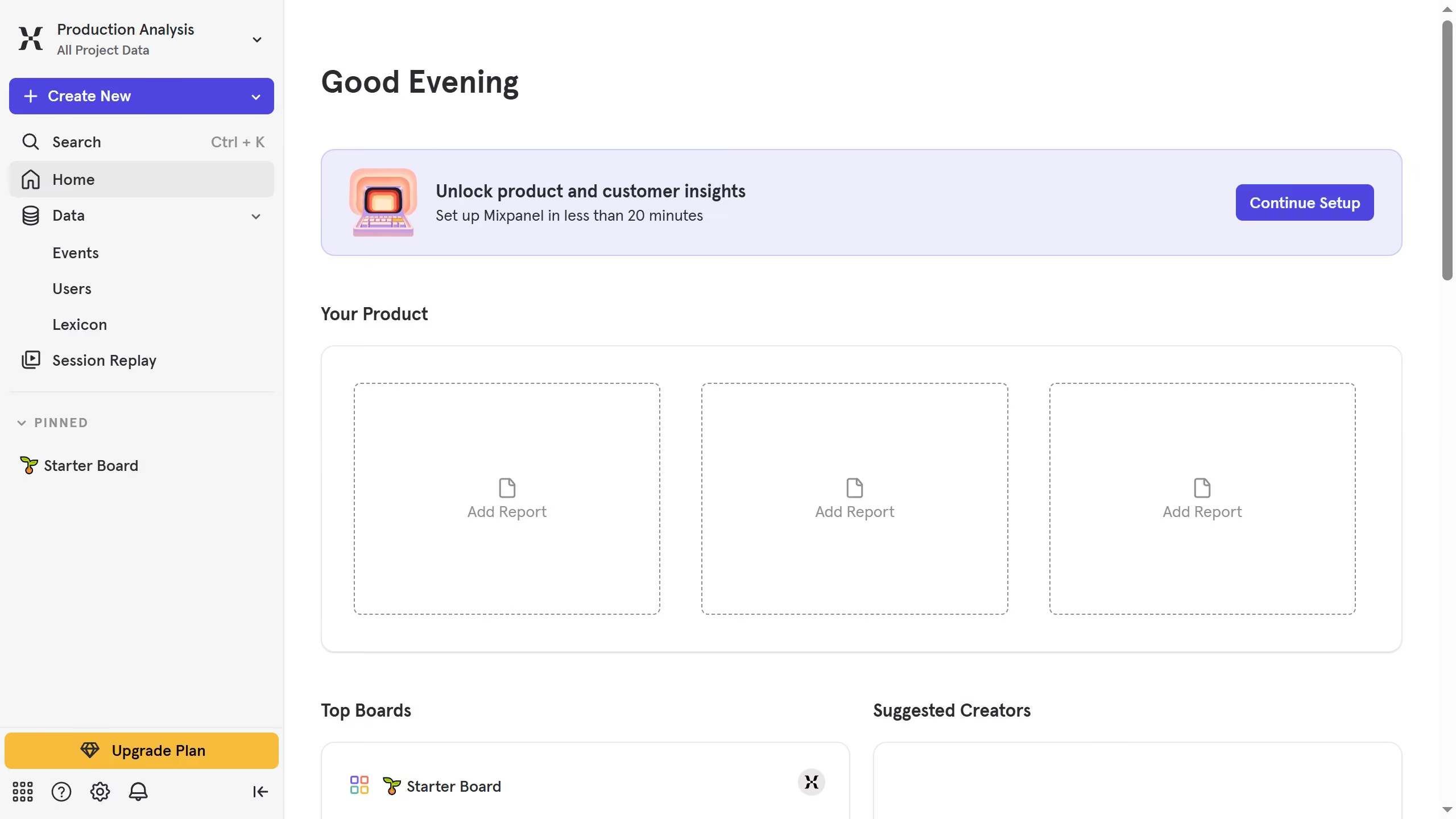
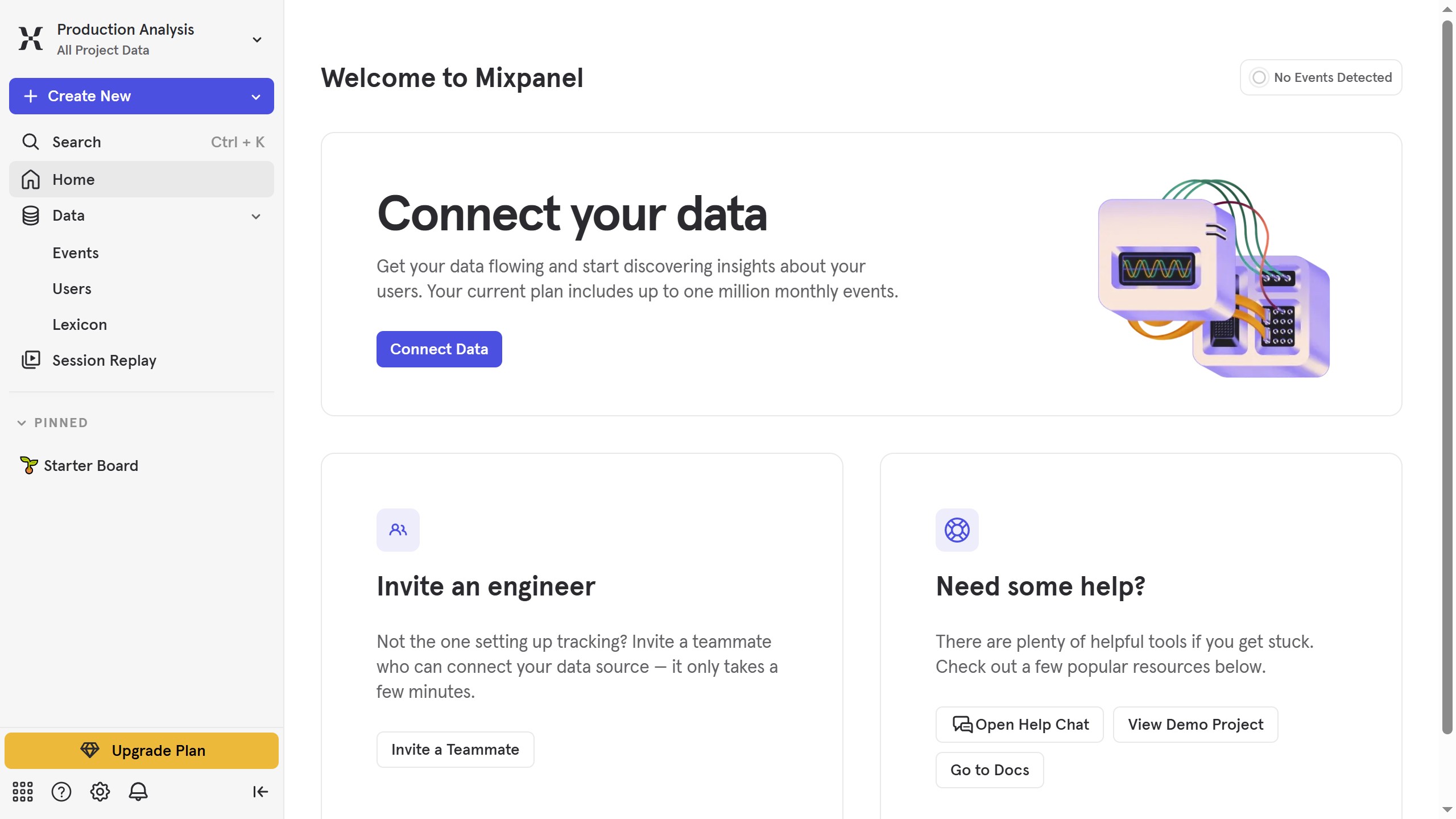
- First click on "Lexicon" item in the left sidebar
- Then click on "Lookup Tables" item in the left sidebar
- Next click on "Edit Columns" button
- Finally click on the checkbox with label "ID"


Create your own interactive guide with Guideflow
Mixpanel is an advanced analytics tool designed to help businesses understand and improve user engagement.
In Mixpanel, the ability to show the ID column in lookup tables is a powerful feature for users who need precise control and visibility over their data.
By enabling this feature, users gain clarity in identifying and associating data points with specific identifiers, resulting in more accurate analysis.
This enhances decision-making, enabling businesses to refine their strategies with confidence and efficiency.
Why leading companies build with Guideflow