How to filter audit logs by event definition created in Mixpanel
Here is how to filter audit logs by event definition created in mixpanel
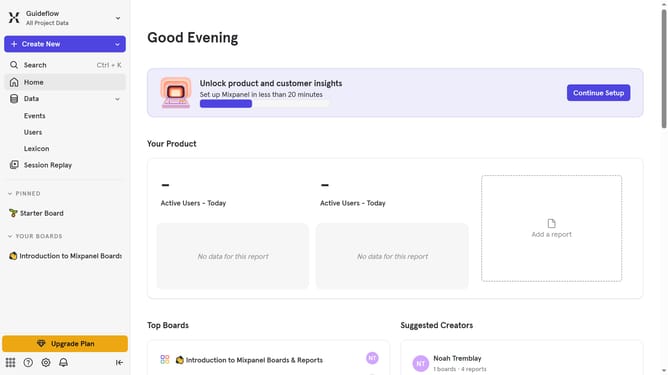
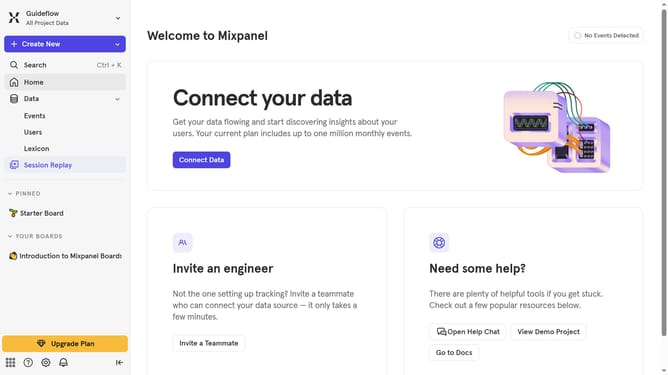
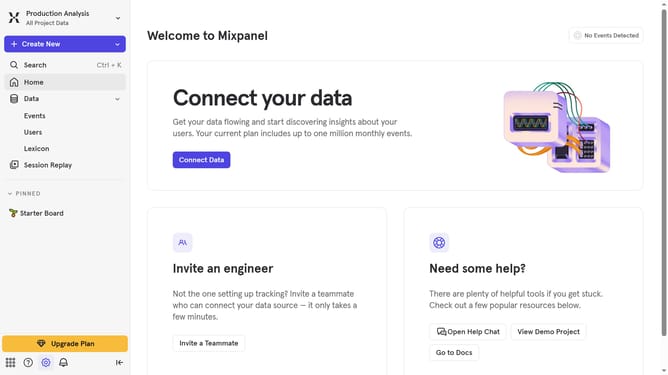
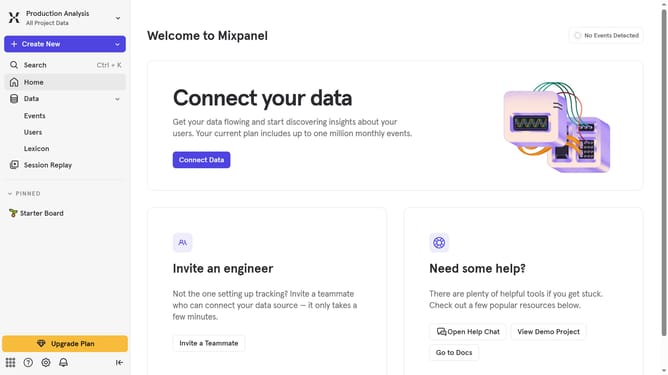
- First click on the settings icon in the left sidebar
- Then, hover your mouse cursor over the "Settings" menu
- Next, click on "Organization Settings" in the sub-menu
- Then click on "Audit Log" in the left navigation
- After that, click on the "Action" dropdown menu
- Next, scroll down in the dropdown menu to view more options
- Finally, click on the "Event Definition Created" checkbox
Why should you filter audit logs by event definition created in Mixpanel
Mixpanel is a powerful analytics platform designed to help businesses track user interaction and drive data-driven decisions.
The ability to filter audit logs by event definition in Mixpanel allows you to efficiently monitor specific activities that are crucial for your business. This feature enables you to zero in on particular events, ensuring that you only see the most relevant data, which can enhance team accountability and boost the security of your operations.
By focusing on meaningful event definitions, you streamline audits and pinpoint potential issues faster, ultimately supporting strategic planning and improving overall performance.
Last update