How to hide event filter description in Mipanel
Here is how to hide event filter description in mipanel
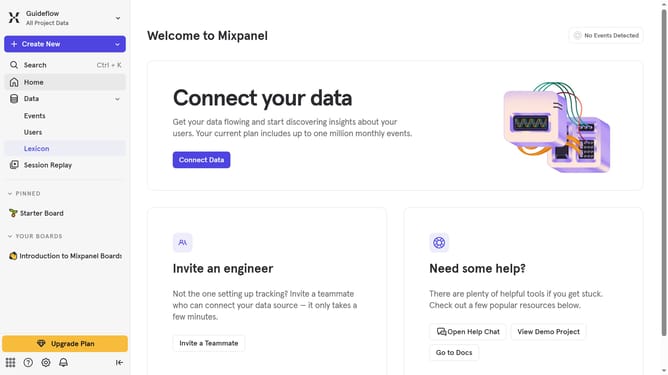
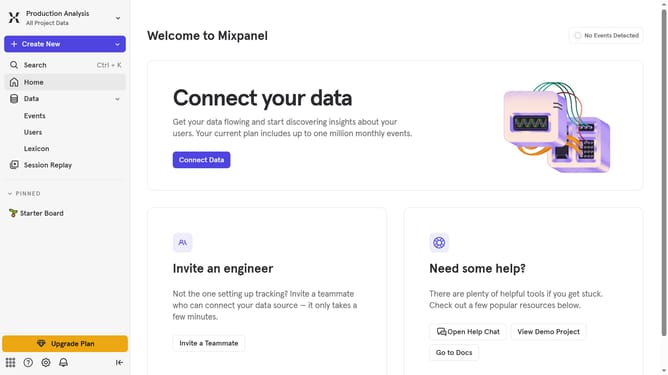
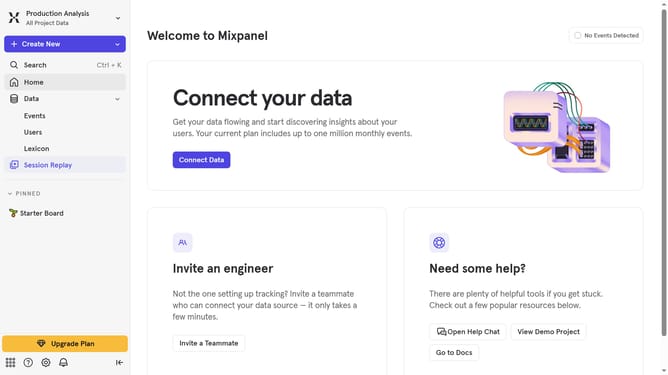
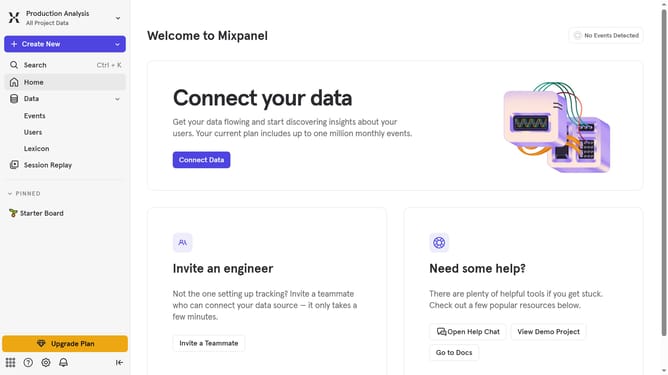
- First click on "Lexicon" in the left sidebar
- Then click on "Event Properties" in the left sidebar
- Next click on "Edit Columns • 7" button
- Finally click on the checkbox next to "Description"
Why should you hide event filter description in Mipanel
Mixpanel is a premier analytics tool that empowers businesses to deeply understand user behavior and improve decision-making.
One of its noteworthy features is the ability to hide event filter descriptions within its dashboard. This feature allows users to declutter their view and keep their workspace focused and distraction-free.
By utilizing this option, teams can maintain a streamlined environment, focusing only on vital data points. This not only enhances productivity but also ensures that critical insights are not overshadowed by unnecessary details.
Last update