How to filter behaviors by not created by you in Mixpanel
Here is how to filter behaviors by not created by you in mixpanel
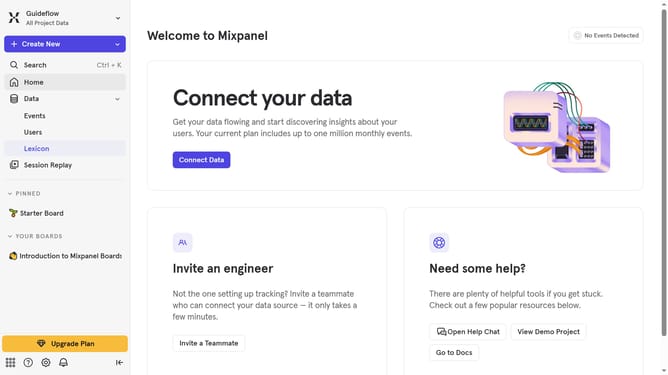
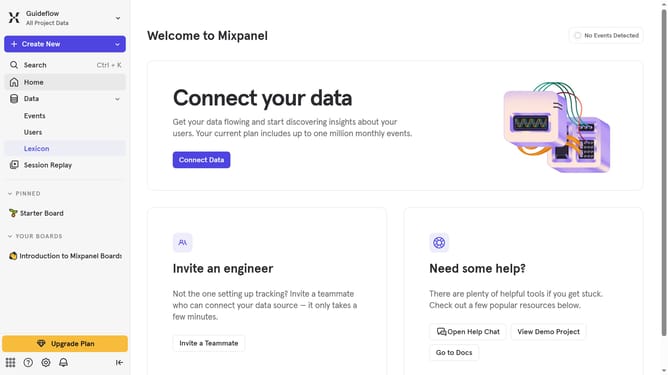
- First click on "Lexicon" in the sidebar
- Then click on "Behaviors" in the sidebar
- Next click on the "Filter" button
- Finally select the "Not Created By You" checkbox
Why should you filter behaviors by not created by you in Mixpanel
Mixpanel is a powerful analytics tool designed to track user interactions, offering insights into user behaviors.
A valuable feature is its ability to filter behaviors not created by you. This means you can easily see actions initiated by users rather than those you might have tested or triggered by mistake.
By leveraging this feature, you gain a clearer understanding of genuine user engagement, helping prioritize business decisions and enhance user experience effectively.
Such targeted insights enable smarter, data-driven strategies, minimizing biases and better aligning with user preferences.
Last update