How to hide description column in events in Mixpanel
Here is how to hide description column in events in mixpanel
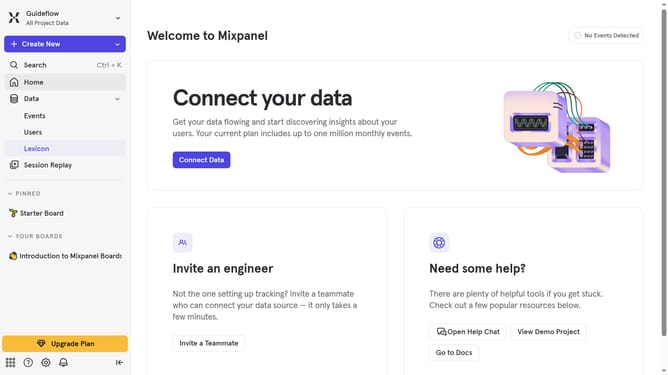
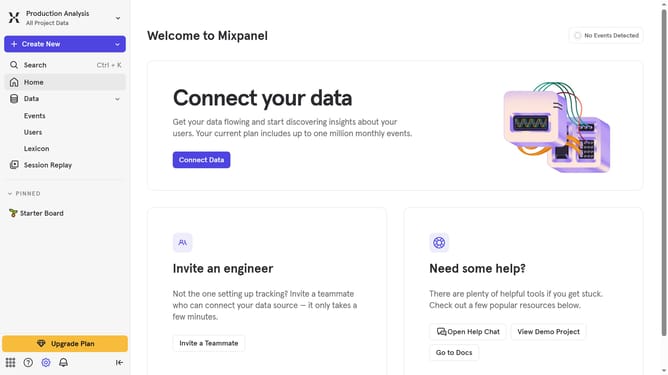
- First click on "Lexicon" in the left sidebar
- Then click on "Edit Columns" button
- Finally click on the checkbox next to "Description"
Why should you hide description column in events in Mixpanel
Mixpanel is a powerful analytics tool designed to help businesses understand user behavior and drive strategic decisions.
One valuable feature Mixpanel offers is the ability to hide the description column in events.
This feature comes in handy when you want your event data to be less cluttered, improving readability and focus on more critical metrics.
By minimizing distractions, it enhances efficiency and allows teams to process data faster. Ultimately, this results in a cleaner, more streamlined data interface that supports quick and informed decision-making.
Last update