How to delete a project in Mixpanel
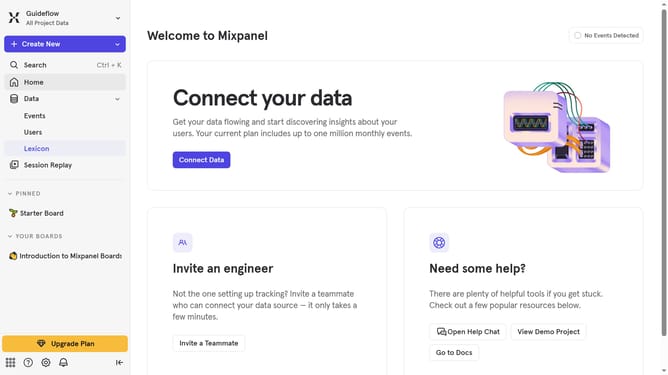
Here is how to delete a project in mixpanel
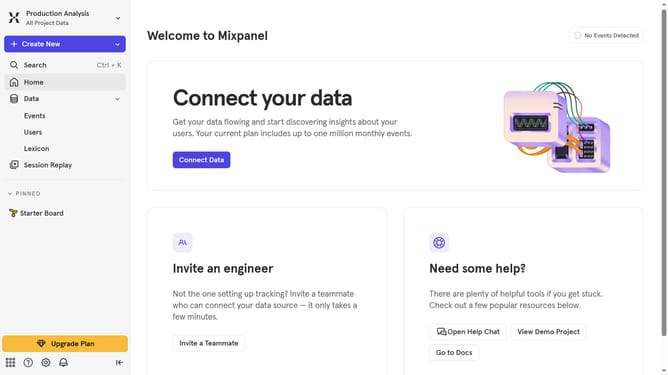
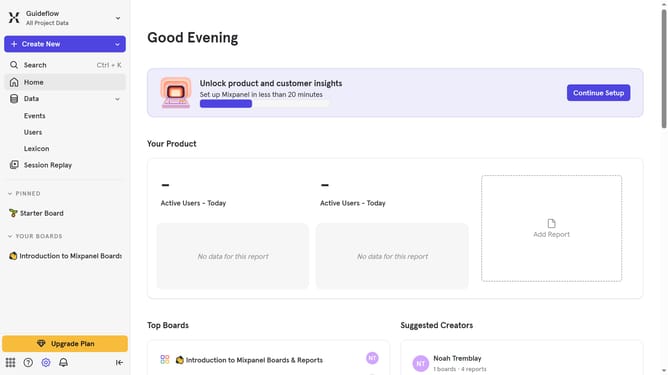
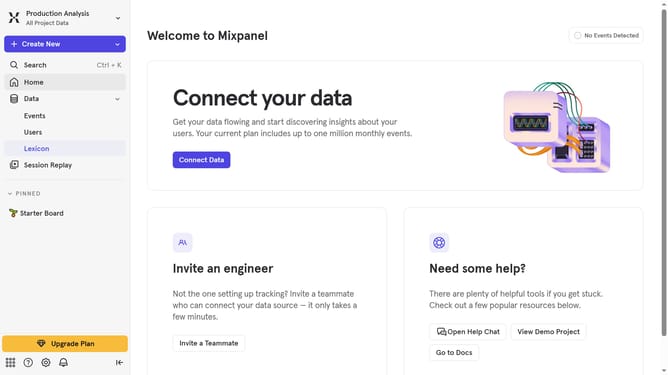
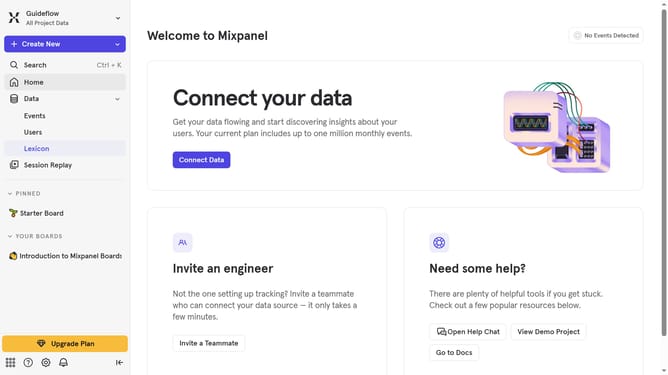
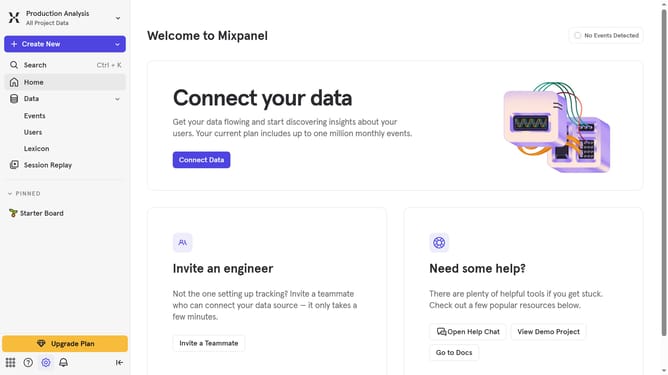
- Click on the gear icon on the bottom left of the page
- Then click on "Settings" in the menu
- Next, click on "Organization Settings" in the dropdown
- After that, click on "Projects" in the left-side settings menu
- Then, click on the checkbox to the project that you want to delete
- Click on the "Delete" button
- Finally, click on the "Delete Project" button to confirm
Why should you delete a project in Mixpanel
Mixpanel is a powerful analytics platform designed to understand user behavior through data insights.
The ability to delete a project in Mixpanel helps in efficiently managing and organizing your workspace. Keeping only relevant projects allows users to maintain clarity and focus.
Removing outdated or unnecessary projects streamlines your data environment, ensuring that your team spends time on the insights that truly matter.
This feature empowers teams to stay agile, adapting quickly to evolving business needs with a clean, organized dashboard.
Last update