How to filter audit logs by authorization in Mixpanel
Here is how to filter audit logs by authorization in mixpanel
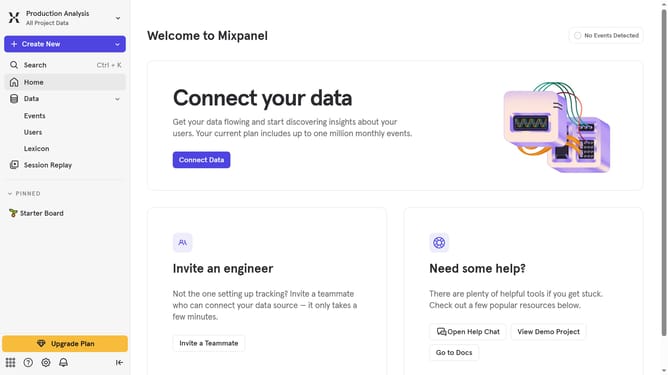
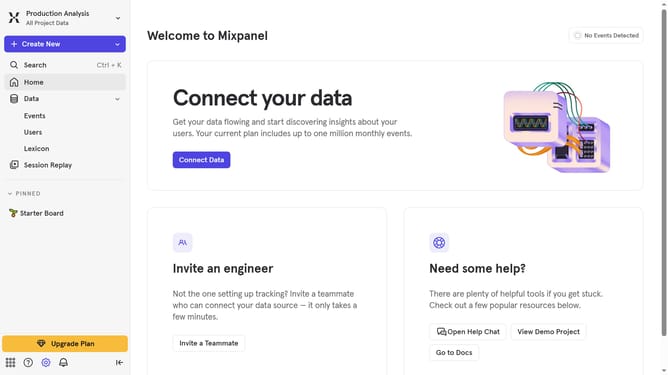
- First click on the settings icon in the bottom left sidebar
- Then hover your mouse cursor over the "Settings" menu
- Next click on "Organization Settings"
- In the left-hand navigation menu, click on "Audit Log"
- Then click on the "Category" dropdown menu
- Finally select the "Authorization" checkbox
Why should you filter audit logs by authorization in Mixpanel
Mixpanel is a powerful analytics platform designed to help businesses understand how users interact with their digital products.
The ability to filter audit logs by authorization in Mixpanel is a valuable feature that streamlines the process of monitoring user activity.
This feature allows teams to instantly focus on specific logs based on authorization events, enhancing the clarity of audit trails.
By refining log analysis, it aids in swiftly identifying potential anomalies or security issues, ensuring better data governance and peace of mind.
Last update