How to show 30 day queries column in event properties in Mixpanel
Here is how to show 30 day queries column in event properties in mixpanel
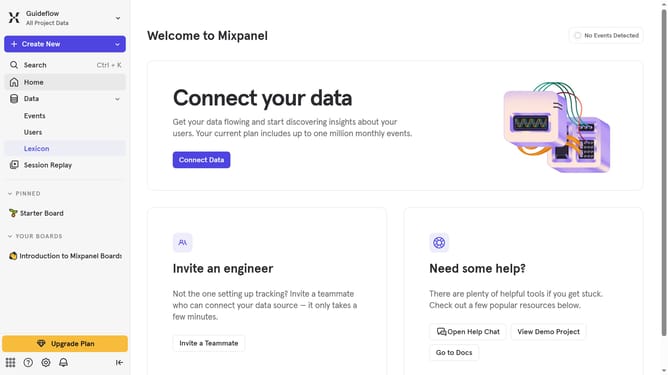
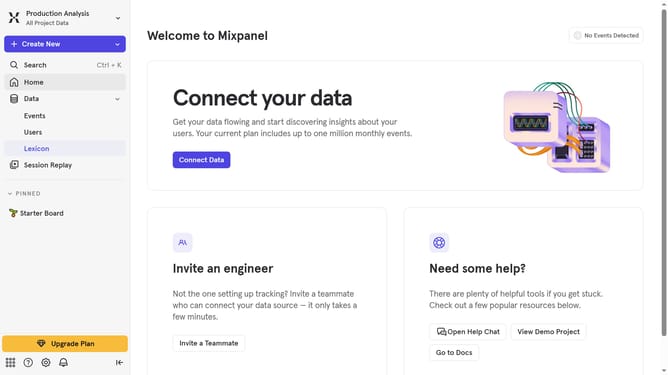
- First click on "Lexicon" in the left navigation panel
- Then click on "Event Properties" in the left navigation panel
- Next, click on the "Edit Columns" button
- Finally, click the "30 day queries" checkbox
Why should you show 30 day queries column in event properties in Mixpanel
Mixpanel is a powerful analytics tool designed to help businesses understand user behavior and make data-driven decisions.
Viewing a 30-day queries column in event properties allows you to quickly monitor user interaction trends over the past month. This feature offers a detailed perspective, enabling you to identify shifts in user behavior and engagement patterns efficiently.
Utilizing the 30-day query feature not only enhances your ability to track key performance metrics but also supports proactive strategy adjustments, keeping you one step ahead in optimizing user experiences.
Last update