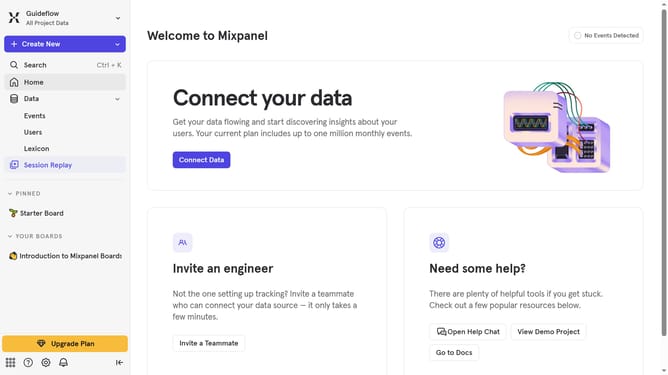
How to filter behaviors by created by you in Mixpanel
Here is how to filter behaviors by created by you in mixpanel
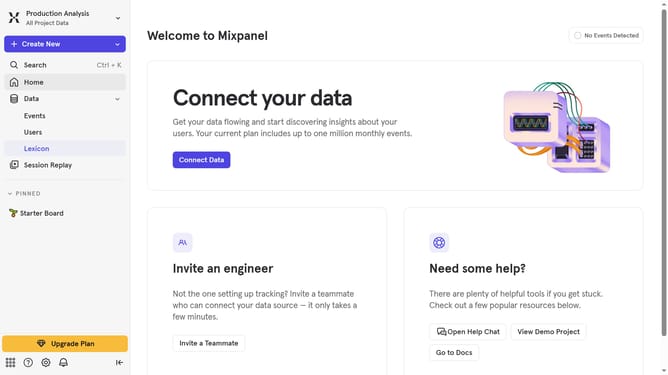
- First click on "Lexicon" in the left sidebar
- Then click on "Behaviors" in the left sidebar
- Next click on "Filter" button
- Finally select "Created By You" checkbox
Why should you filter behaviors by created by you in Mixpanel
Mixpanel is a powerful analytics platform designed to help you understand user behavior and improve user experiences.
The "created by you" filter in Mixpanel allows you to isolate and analyze specific actions or events you’ve implemented, offering custom insights tailored to your goals.
Leveraging this feature not only streamlines your data analysis process but also ensures that you focus on the most relevant metrics for your projects, empowering smarter decision-making and enhancing strategic planning.
Last update