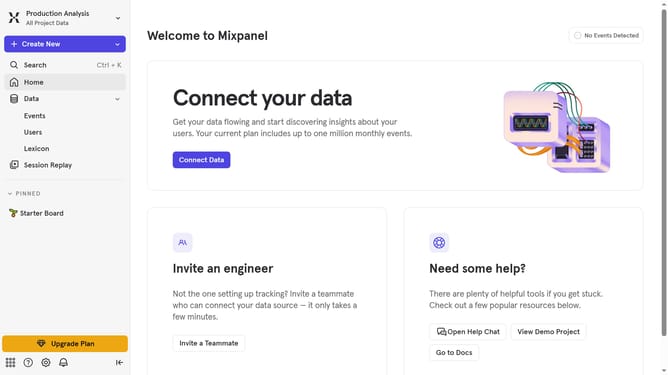
How to connect Tamplytics in Mixpanel
Here is how to connect tamplytics in mixpanel
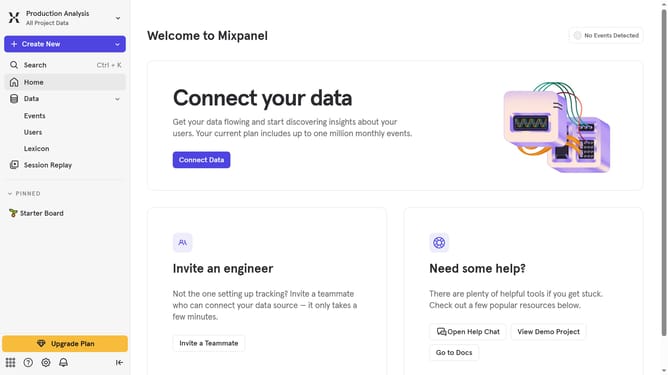
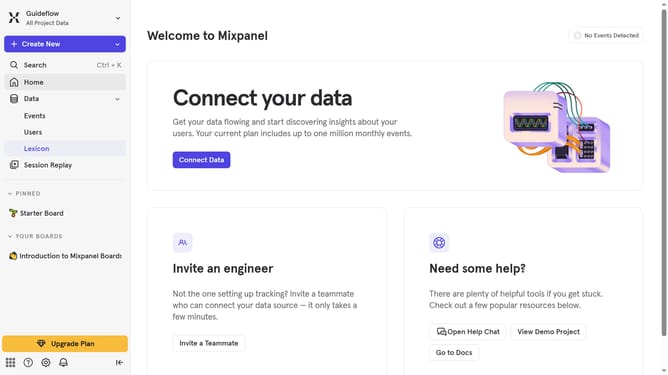
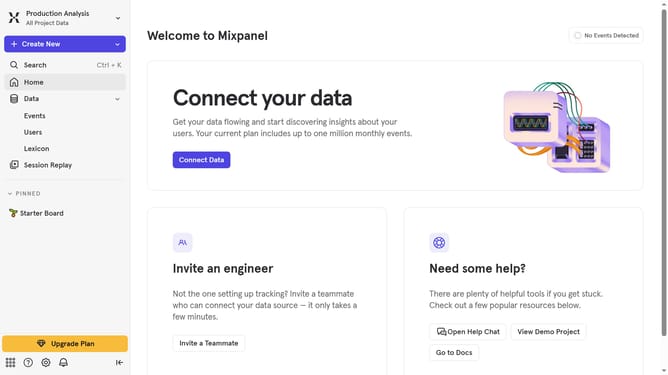
- First click on the settings icon in the bottom left corner
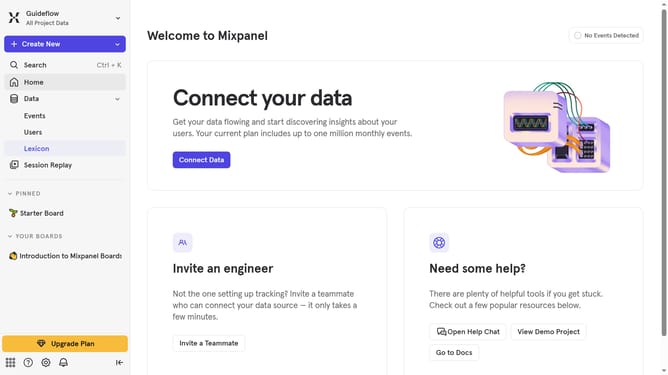
- Then click on "Integrations" in the sidebar menu
- Next, scroll down to view more options
- After that, click "Taplytics" integration option
- Next, click the "Connect" option
- Then click the "CONNECTOR NAME" text input field and type in the connector name
- Next, click on the "API KEY" text input field and enter your API key
- Finally click on the "Continue" button
Why should you connect Tamplytics in Mixpanel
Mixpanel stands at the forefront of user analytics, offering invaluable insights into user interactions for better decision-making.
Integrating Tamplytics within Mixpanel enhances this analytical powerhouse by allowing for seamless tracking across diverse platforms.
This connection offers a holistic view of user engagement, bridging data gaps and maximizing the effectiveness of analytics efforts.
Embracing this feature means streamlined data flow, ensuring you capitalize on every user interaction with precision and clarity.
Last update