How to change the start of the week in time period settings in Mixpanel
Here is how to change the start of the week in time period settings in mixpanel
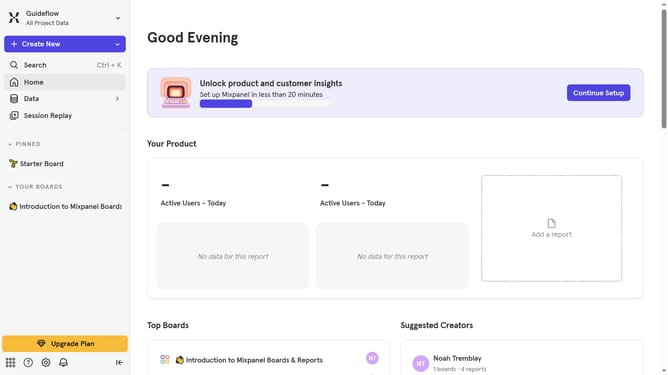
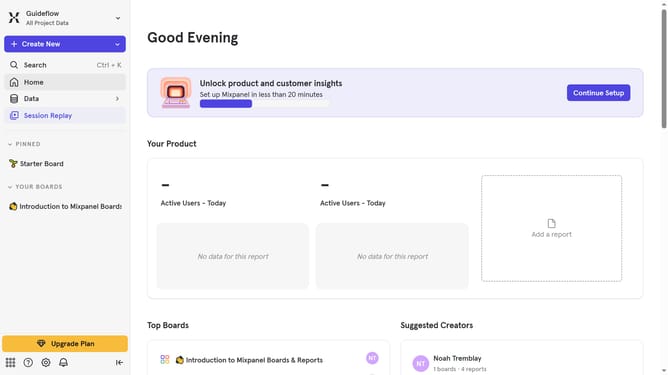
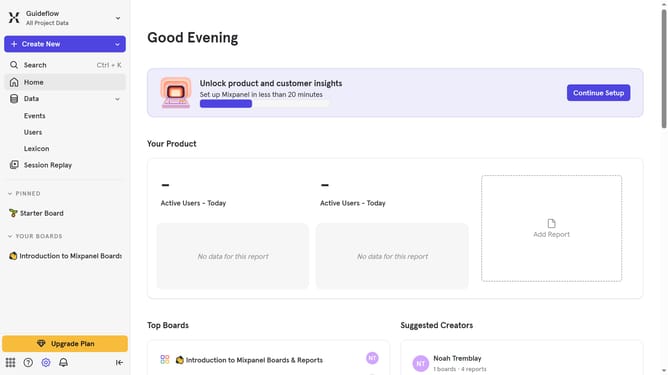
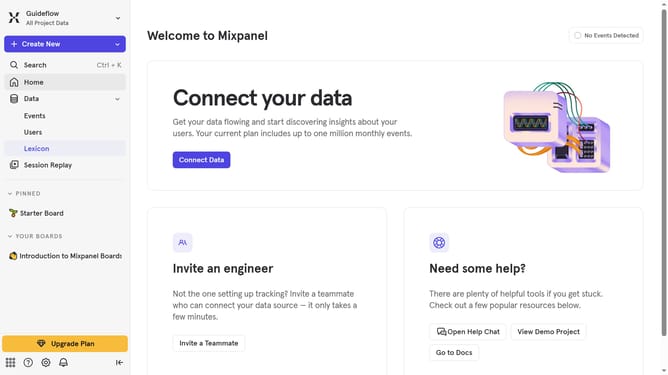
- First click on the settings icon in the bottom left sidebar
- Then hover your mouse cursor hover "Settings" option
- Next click on the "Project Settings" option from the dropdown menu
- Then scroll down to view more options
- Then click on the pencil icon to edit the document
- Next select your preferred day of the week
- Finally click on the "Save" button
Why should you change the start of the week in time period settings in Mixpanel
Mixpanel is an insightful analytics platform tailored for tracking user interactions with web and mobile applications.
One of the flexible features of Mixpanel is the ability to adjust the start of the week in time period settings. By tailoring the calendar to match your business week, you gain the clarity and precision needed in trend analysis and reporting.
This customization ensures that your analytics align seamlessly with your organizational rhythms. As a result, you will experience improved decision-making by viewing activity through the lens of your actual operational week.
Last update