How to get project token in Mixpanel
Here is how to get project token in mixpanel
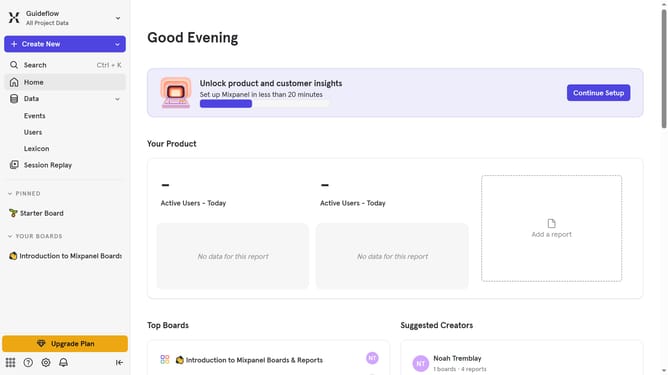
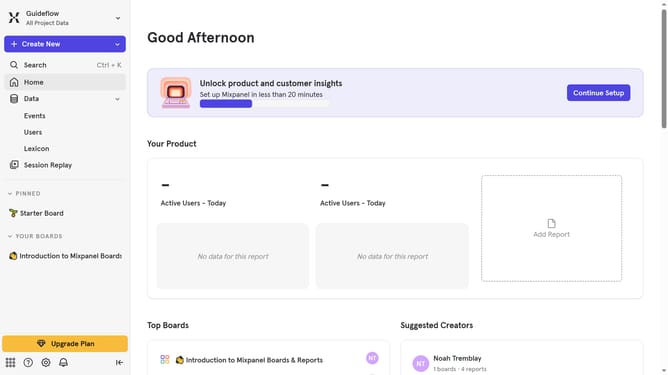
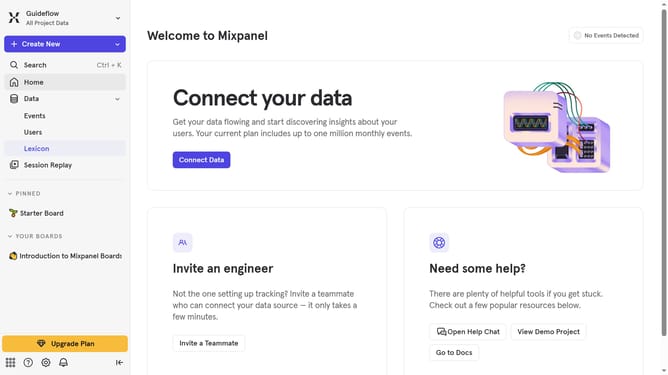
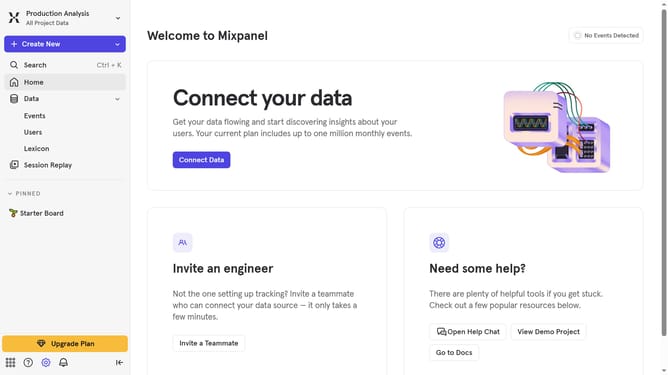
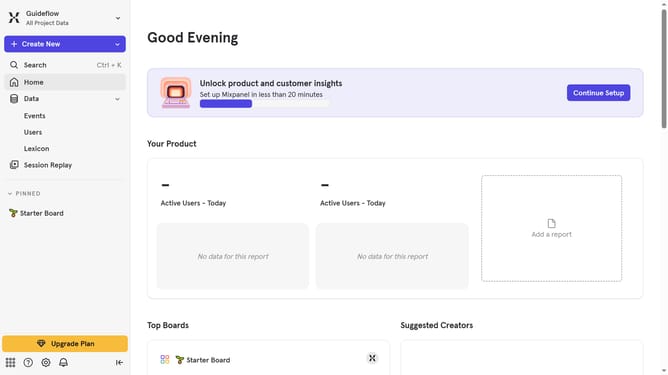
- First click on the "Settings" icon in the bottom left sidebar
- Then hover your mouse cursor over the "Settings" option
- Next, click on "Project Settings" in the dropdown menu
- Then scroll down to view more options
- Finally click on the "Copy" button next to the project token
Why should you get project token in Mixpanel
Mixpanel is a powerful analytics platform designed to track user interactions and optimize user experience.
To unlock its full potential, acquiring the project token is crucial. This token serves as an essential key, facilitating seamless integration within your application. By obtaining this unique identifier, you enable the efficient collection and analysis of user data.
This empowers your team to make data-driven decisions that drive engagement, retention, and growth. Leveraging this feature ensures precise tracking, giving you accurate insights into user behavior and optimizing your strategies with ease.
Last update