How to hide status column in events in Mixpanel
Here is how to hide status column in events in mixpanel
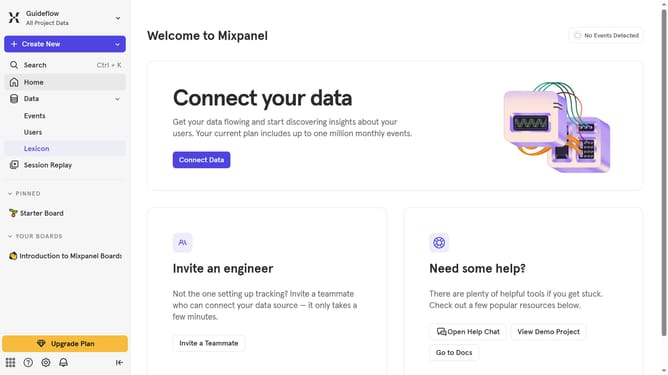
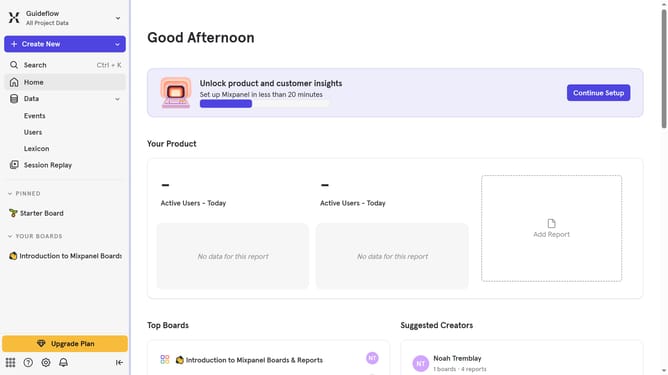
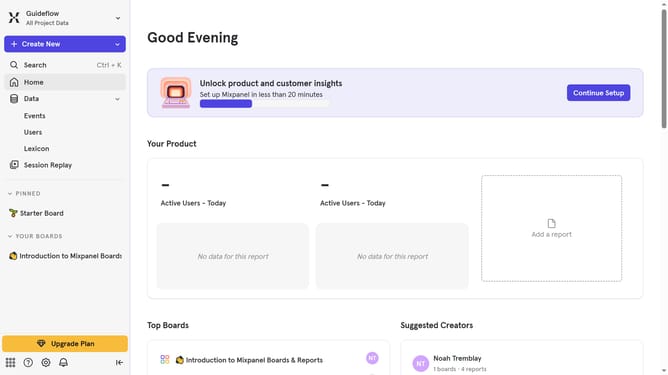
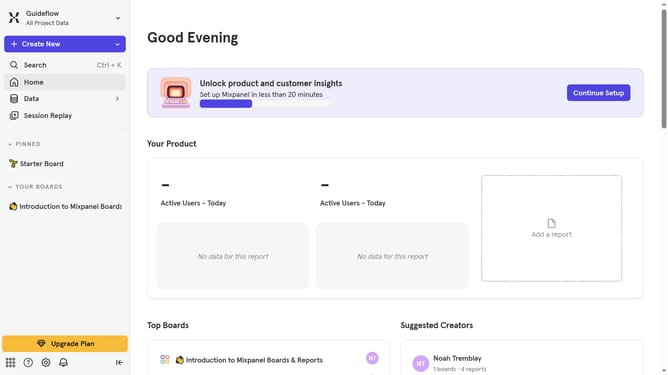
- First click on "Lexicon" in the left sidebar menu
- Then click on "Edit Columns" button
- Finally uncheck the checkbox next to "Status"
Why should you hide status column in events in Mixpanel
Mixpanel is a powerful analytics tool designed to help businesses understand user behavior through interactive insights.
One of the handy features is the ability to hide the status column in events, streamlining the data view.
This feature is useful for simplifying event dashboards, making it easier to focus on the metrics that matter most.
By decluttering your analytics interface, it enhances data analysis efficiency, allowing for quicker decision-making.
Last update