How to connect OneSignal in Mixpanel
Here is how to connect onesignal in mixpanel
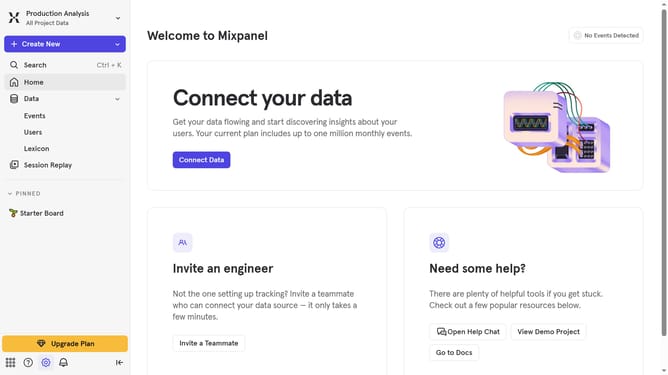
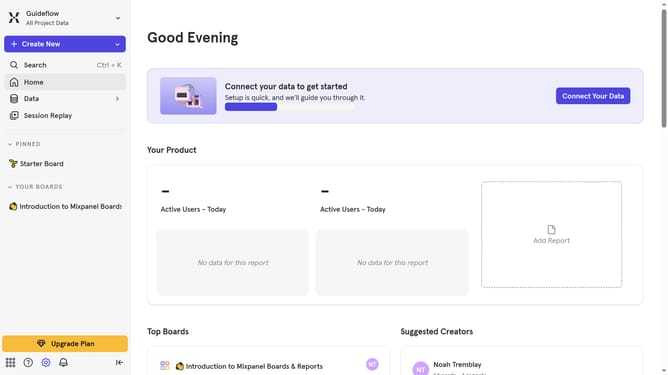
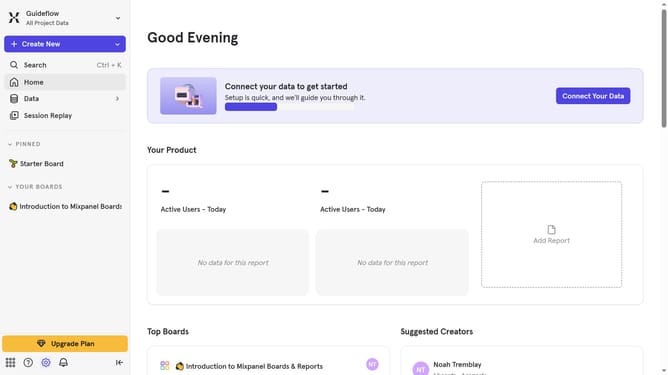
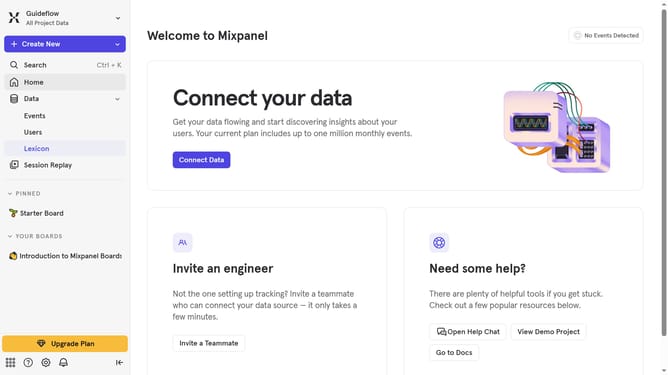
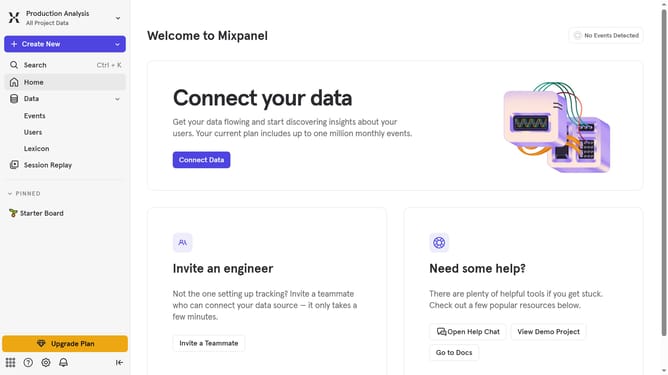
- First click on the settings icon in the bottom left corner of the screen
- Then click on "Integrations" in the sidebar menu
- Next, scroll down to view more options
- Then click on "OneSignal" integration option
- Next, click on the "Connect" button
- Then click on the "CONNECTOR NAME" input field and type in the connector name
- Next, click on the "API KEY" input field and type in the API KEY
- Then click on the "APP ID" input field and type in the app id
- Finally click on the "Continue" button
Why should you connect OneSignal in Mixpanel
Mixpanel is an advanced analytics platform designed to help businesses understand their users' behavior for better decision-making.
Connecting OneSignal to Mixpanel enhances your insights by integrating powerful push notification capabilities. This seamless combination allows you to monitor and analyze the impact of your messaging strategies with precision.
Using this feature can lead to improved user engagement and personalized communication, nurturing customer relationships and driving growth effectively.
Last update