How to disconnect VWO in Mixpanel
Here is how to disconnect vwo in mixpanel
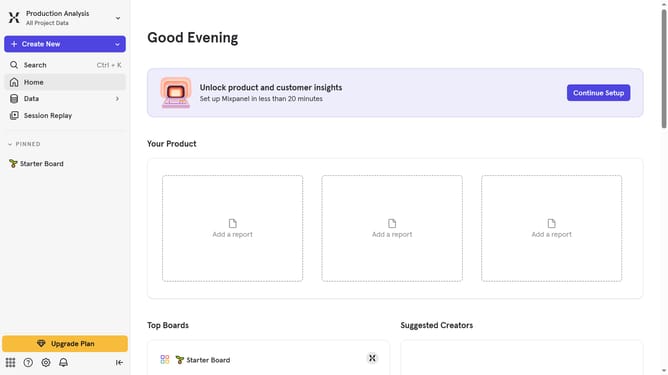
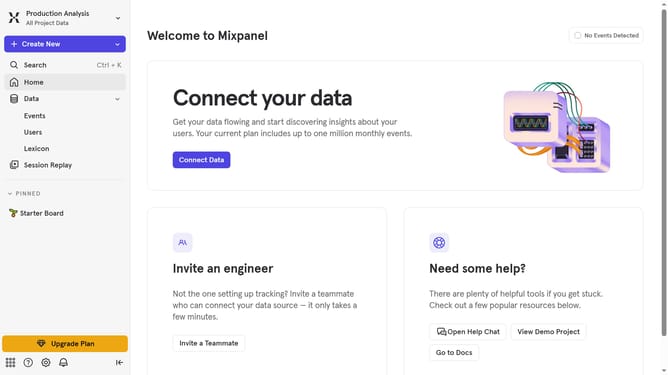
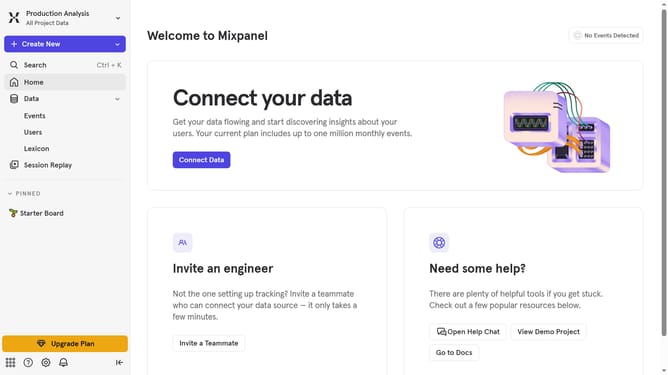
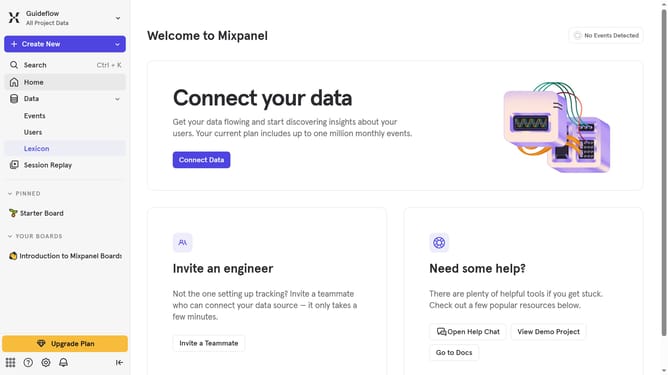
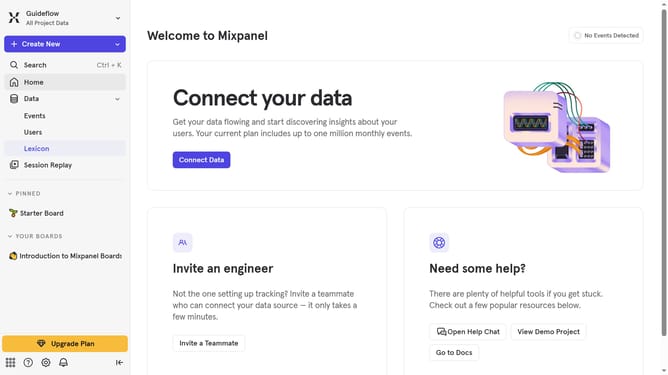
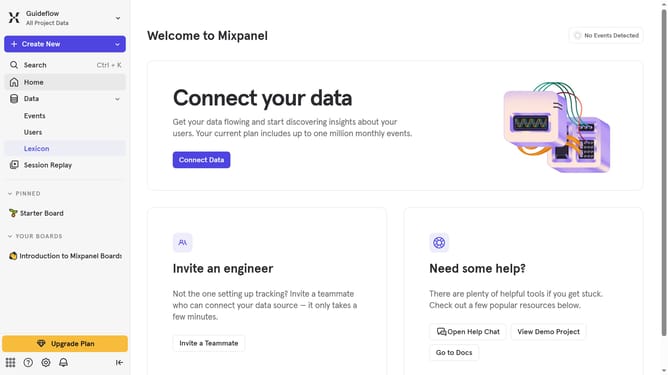
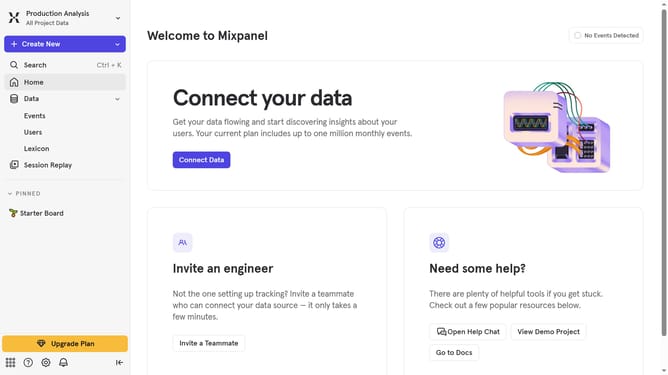
- First click on the settings icon in the bottom left corner
- Then click on "Integrations" in the sidebar menu
- Next scroll down to view more options
- Then click on the "VWO" integration option
- Next click on the "Disconnect" button to confirm
- Finally click on the "Disconnect" button in the confirmation dialog
Why should you disconnect VWO in Mixpanel
Mixpanel is a powerful tool designed to provide businesses with valuable insights into their user interactions.
Disconnecting VWO in Mixpanel is a beneficial feature that allows you to maintain data accuracy and security.
This separation ensures that your analytics reflect only the most relevant data, thus enhancing decision-making processes.
By disconnecting VWO, businesses focus on optimizing resources and reducing potential data conflicts, resulting in cleaner analytics and improved operational efficiency.
Last update