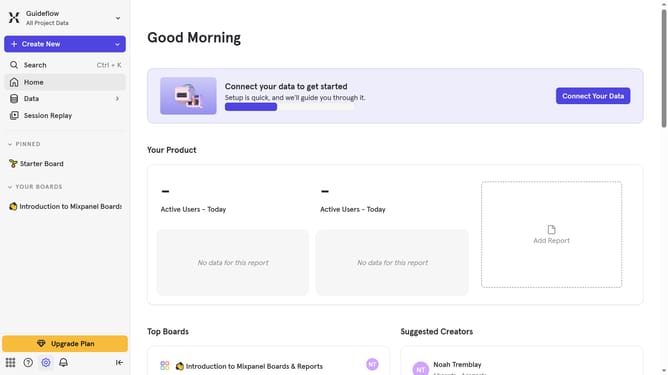
How to show status column in events in Mixpanel
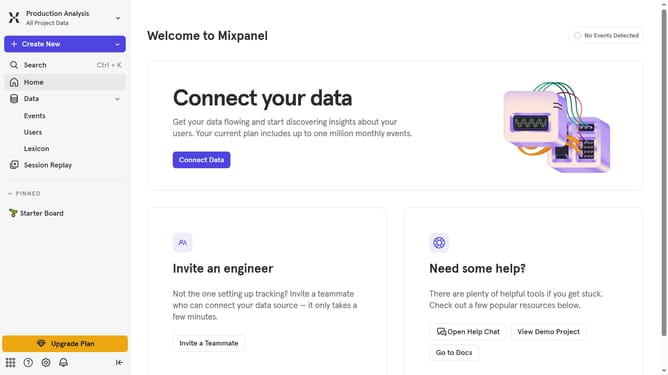
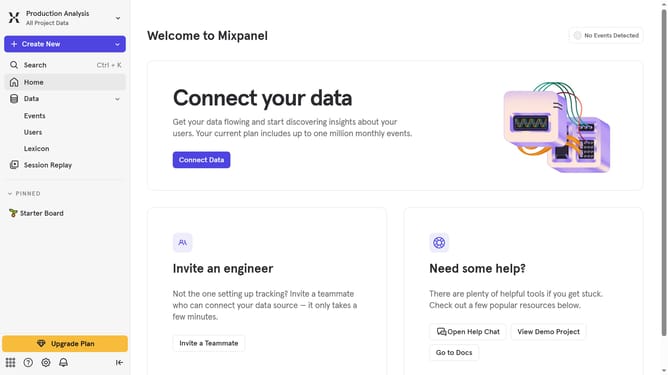
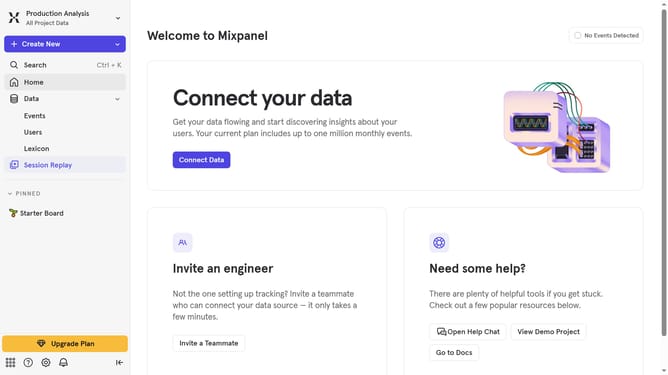
Here is how to show status column in events in mixpanel
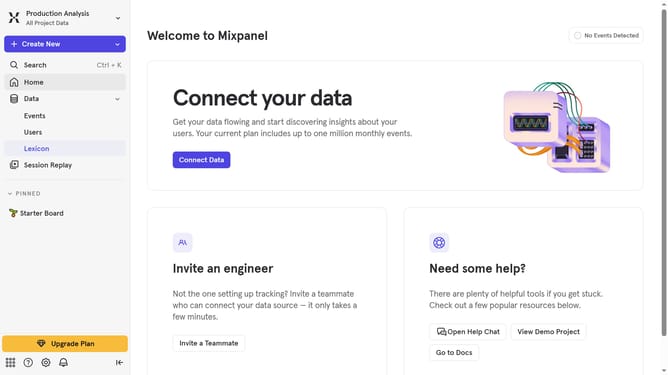
- First click on the "Lexicon" item in the left sidebar
- Then click on the "Edit Columns" button in the main content area
- Finally click on the checkbox next to "Status" in the dropdown menu
Why should you show status column in events in Mixpanel
Mixpanel is a powerful analytics platform designed to help businesses track user interactions and measure engagement.
One feature that enhances data clarity in Mixpanel is the ability to show a status column in events. By enabling this feature, users can easily gauge the progress or state of their events at a glance, leading to more informed decision-making.
This visibility enables quicker troubleshooting and a deeper understanding of user behavior patterns. Enhanced transparency with event status indicators helps streamline analysis and optimize user experiences effectively.
Last update