How to create an owner project role service account in Mixpanel
Here is how to create an owner project role service account in mixpanel
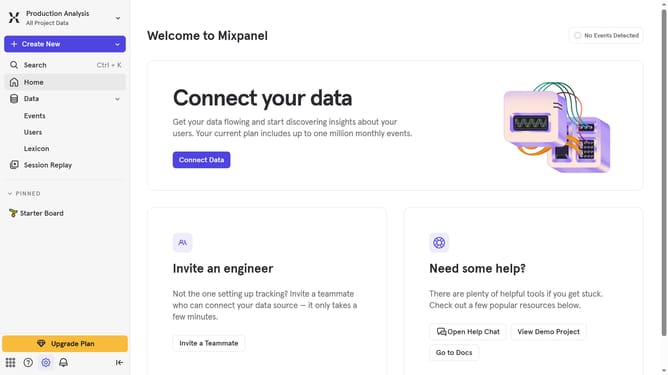
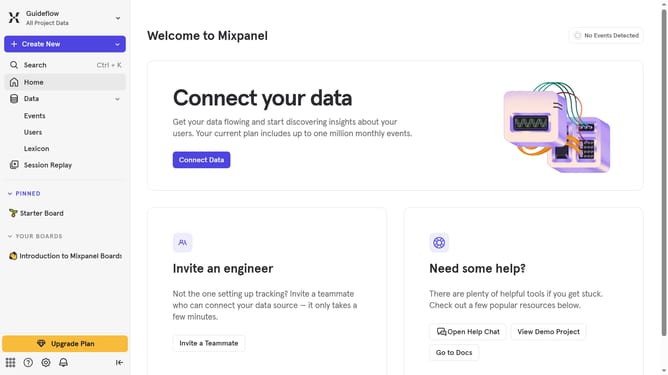
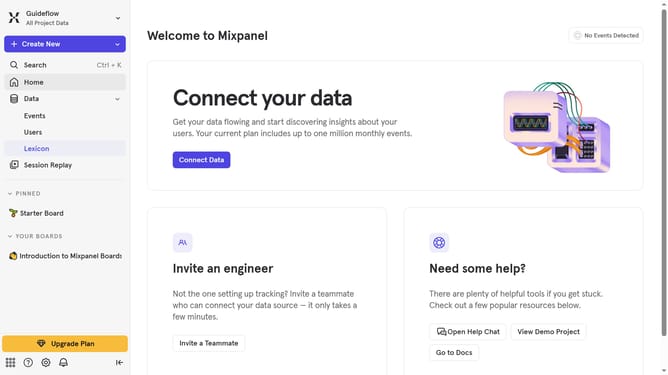
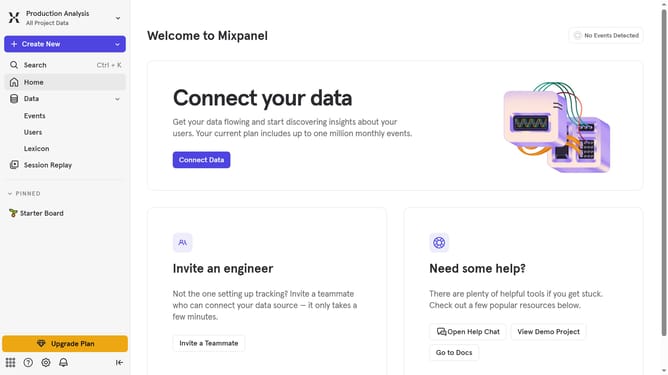
- First click on the gear icon in the bottom left menu
- Then hover your mouse cursor over the "Settings"
- Next click on "Organization Settings" in the dropdown menu
- Then click on "Service Accounts" in the left sidebar
- Next click on the "+ Add Service Account" button in the top right
- Then click on the "Name" text input field and type in the name
- Next click on the "Select projects" dropdown
- Then click on the checkbox next to the project you want to assign the owner service account
- Next click on the "PROJECT ROLE" dropdown menu
- Then select "Owner" from the project role options
- Then click on the "Create" button
- Finally click on the "Done" button
Why should you create an owner project role service account in Mixpanel
Mixpanel is a powerful analytics tool designed to track user interactions with web and mobile applications.
Creating an owner project role service account in Mixpanel allows you to efficiently manage analytics with complete control and flexibility.
This feature enables easy collaboration by ensuring that a particular account has the highest level of access to the project, thus unlocking the full potential of Mixpanel’s robust functionalities.
Having designated service accounts can enhance your team's productivity through streamlined processes and increased security, fostering a more insightful data analysis workflow.
Last update