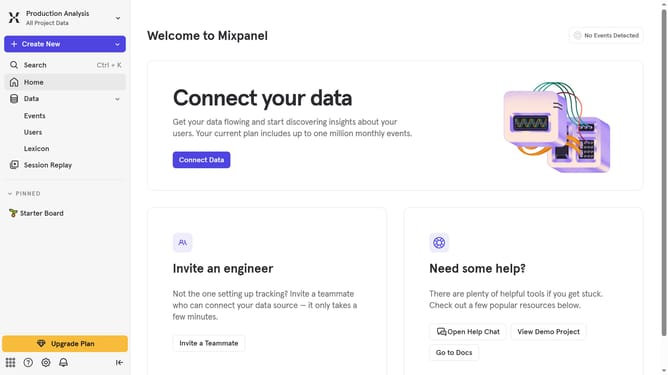
How to select your project in the audit log in Mixpanel
Here is how to select your project in the audit log in mixpanel
- First click on the "Settings" icon in the bottom left sidebar
- Then select "Settings" from the dropdown menu
- Next, click on "Organization Settings"
- Then click on "Audit Log" in the left sidebar menu
- After that, click on the "Project" dropdown menu
- Finally, select your preferred project in the checkbox
Why should you select your project in the audit log in Mixpanel
Mixpanel, a powerful analytics tool, helps you understand your users' behavior to improve your product strategy effectively.
One of its key features, selecting your project in the audit log, ensures you maintain a streamlined view of user actions across different projects.
This capability is crucial for identifying specific activities or changes related to a project, offering clarity and precision in tracking developments. It aids in maintaining organized insights, enhancing decision-making, and ensuring accountability within your team.
Last update