How to filter events by hidden and merged status in Mixpanel
Here is how to filter events by hidden and merged status in mixpanel
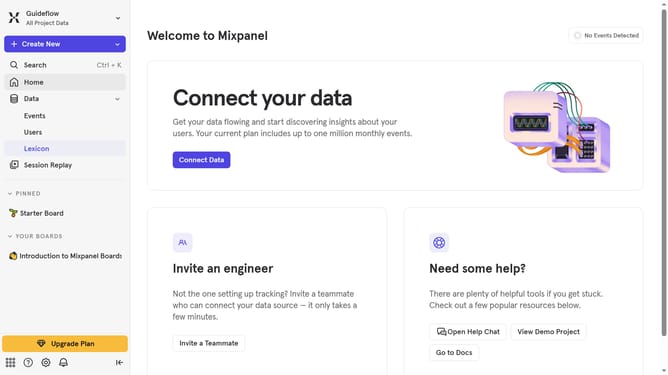
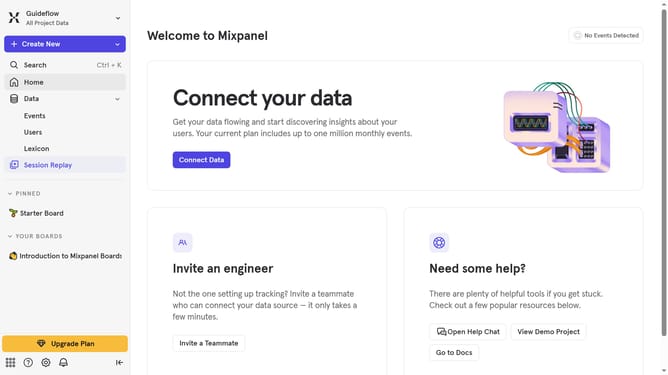
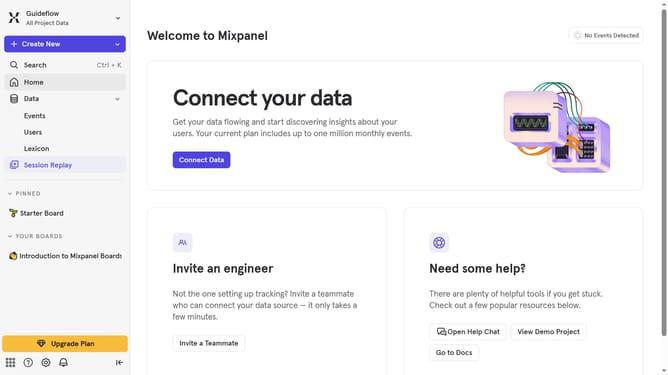
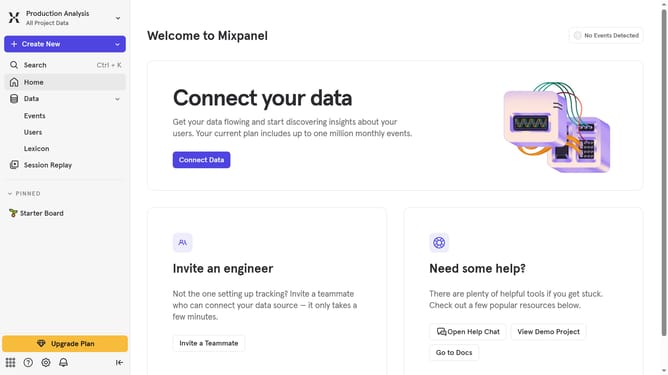
- First click on "Lexicon" in the left sidebar
- Then click on the "Filter" button in the main content area
- Finally click on the checkbox next to "Hidden, Merged" in the filter options
Why should you filter events by hidden and merged status in Mixpanel
Mixpanel is a powerful analytics tool designed to help businesses understand and improve customer engagement.
One of its standout features is the ability to filter events by hidden and merged status, which allows teams to streamline data and focus on the most relevant insights.
By using this feature, analysts can quickly identify the most significant trends while eliminating noise from less relevant data, leading to more informed decision-making and efficient strategies.
This functionality not only enhances data clarity but also optimizes workflow, making it an indispensable tool for growth-focused enterprises.
Last update