How to filter audit logs by event deletion requested in Mixpanel
Here is how to filter audit logs by event deletion requested in mixpanel
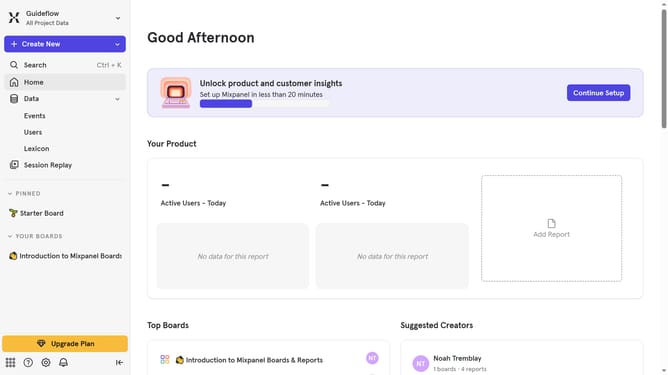
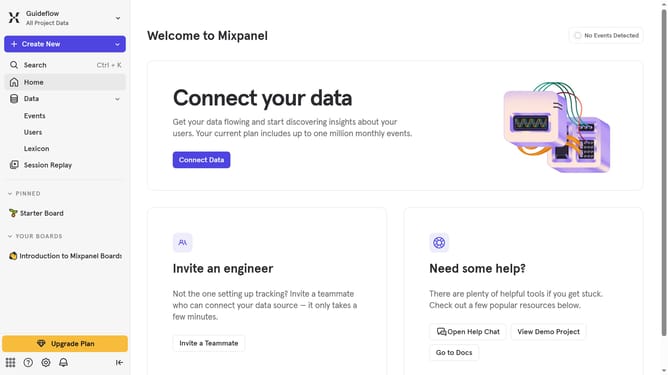
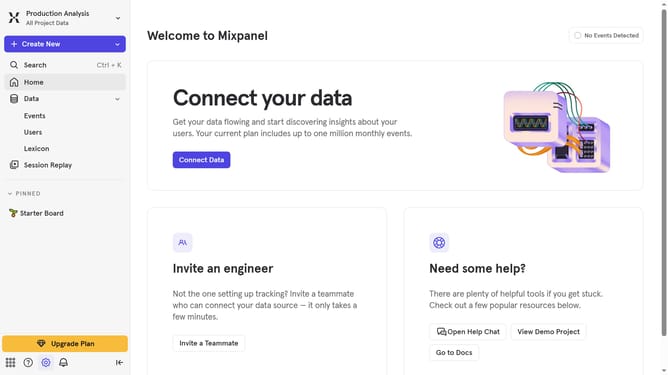
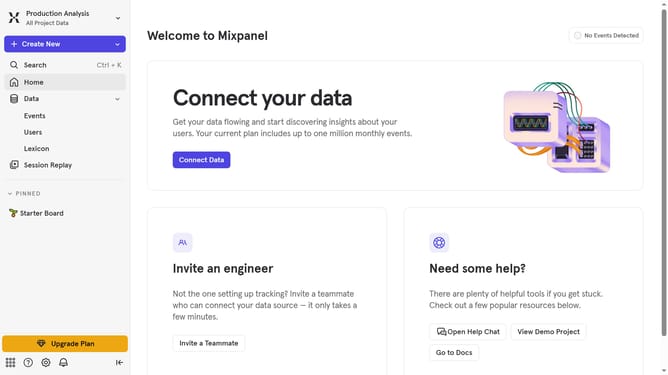
- First click on the settings icon in the bottom left sidebar
- Then hover your mouse cursor over the "Settings"
- Next click on "Organization Settings"
- Then click on "Audit Log" in the left-hand navigation menu
- After that click on the "Action" dropdown
- Then click on the "Event Deletion Requested" dropdown option
- Finally click on the checkbox next to "Event Deletion Requested"
Why should you filter audit logs by event deletion requested in Mixpanel
Mixpanel, a leading analytics platform, empowers businesses to better understand user behaviors and drive growth through insightful data.
The ability to filter audit logs by event deletion requests within Mixpanel offers a streamlined approach to managing significant data changes.
This feature allows you to efficiently track and review any deletion requests, ensuring clearer oversight of data management activities and strengthening your data governance.
By utilizing this feature, teams can quickly pinpoint when specific events were modified, enhancing transparency and accountability in data handling practices.
Last update