How to connect Appcues in Mixpanel
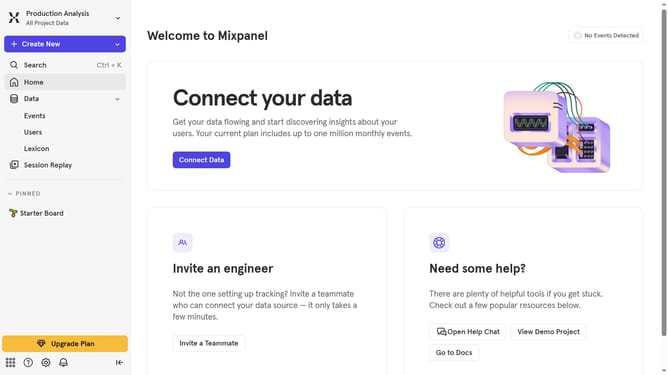
Here is how to connect appcues in mixpanel
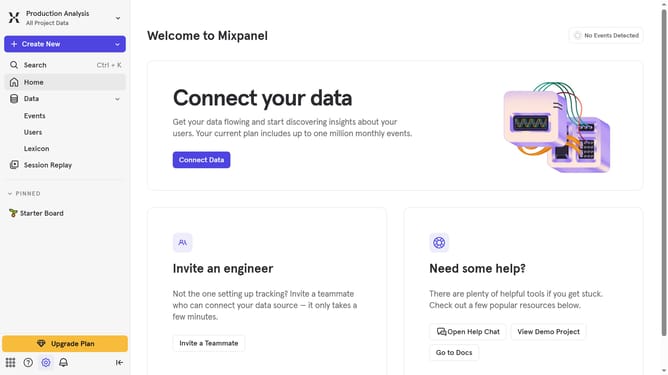
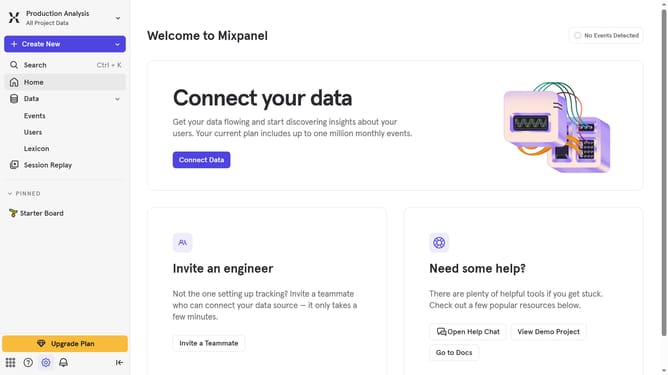
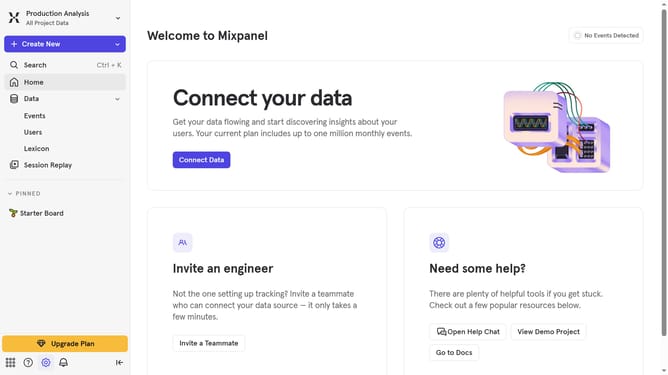
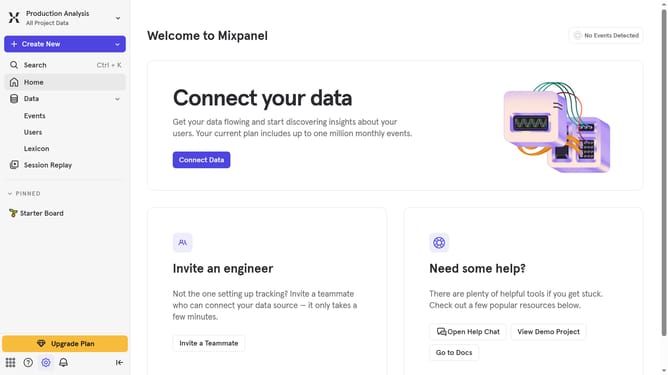
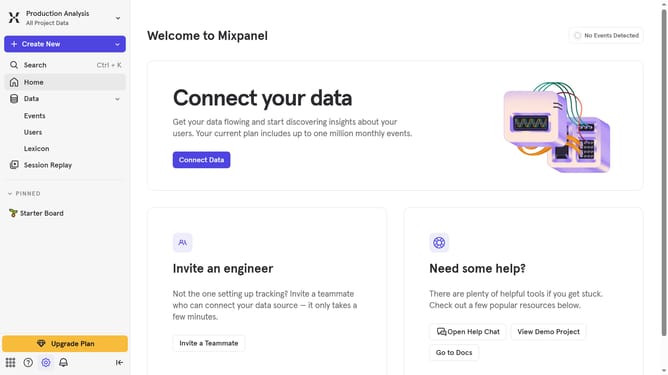
- First click on the settings icon in the bottom left of the screen
- Then select "Integrations" in the dropdown menu
- Then scroll down to view more options
- Click on "Appcues" to expand the integration details
- Click on the "Connect" button that appears
- Then click on the "CONNECTOR NAME" text input field and type in your desired connector name
- Next click on the "API KEY" field and paste your API key
- Finally click on the "Continue" button
Why should you connect Appcues in Mixpanel
Mixpanel is a powerful analytics platform designed to optimize the flow of user interaction data for enhanced decision-making.
Connecting Appcues with Mixpanel unlocks deeper insights by combining qualitative feedback with quantitative analytics.
This integration enriches the user journey mapping by allowing you to track in-app experiences precisely and analyze user behavior efficiently.
Ultimately, leveraging both tools empowers your business to refine onboarding processes, drive engagement, and boost retention rates effortlessly.
Last update