How to show description column in custom event properties in Mixpanel
Here is how to show description column in custom event properties in mixpanel
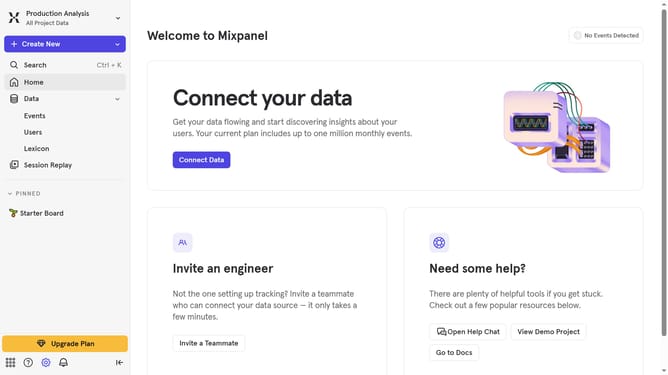
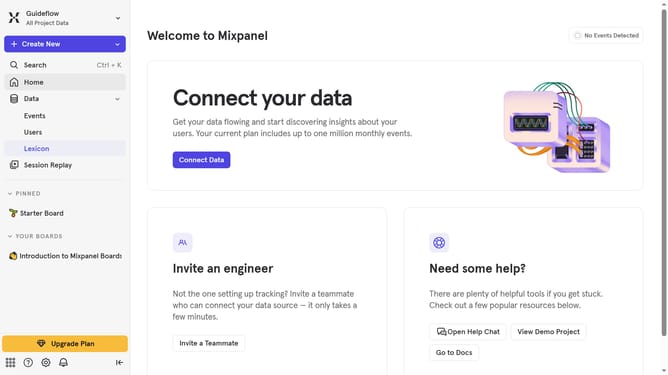
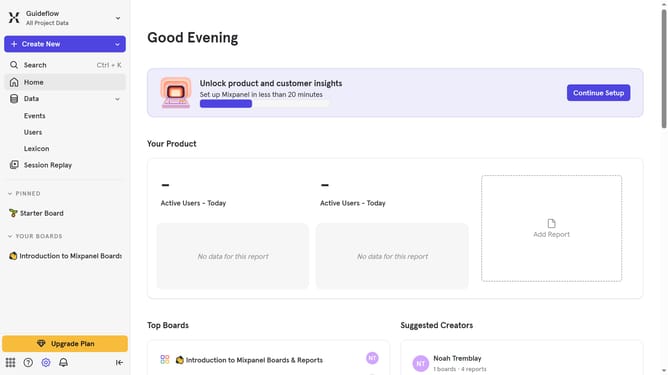
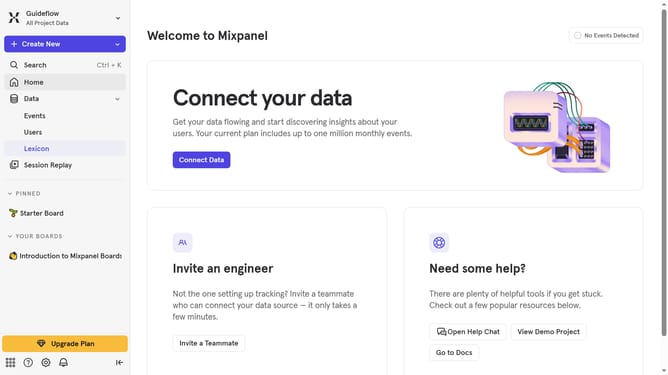
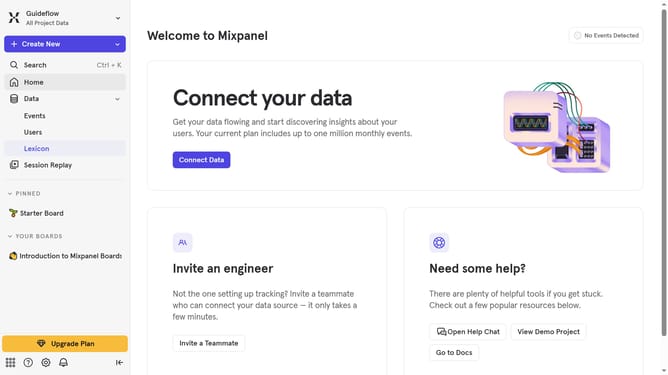
- First click on "Lexicon" in the left sidebar
- Then click on "Custom Event Properties" in the left sidebar
- Next, click on "Edit Columns" button
- Finally, select the "Description" checkbox in the "Select columns to display" modal
Why should you show description column in custom event properties in Mixpanel
Mixpanel is a powerful analytics tool designed to elevate user understanding through detailed event tracking and data analysis.
Among its varied features, showing the description column in custom event properties stands out for its clarity in data interpretation. This feature allows users to imbue their data with contextual details, easing navigation and quick understanding of each event's nature.
Utilizing this feature enhances team collaboration and efficiency, as it unifies how data is perceived and interacted with, ultimately driving more informed decision-making processes.
Last update