How to hide 30 day queries column in event properties in Mixpanel
Here is how to hide 30 day queries column in event properties in mixpanel
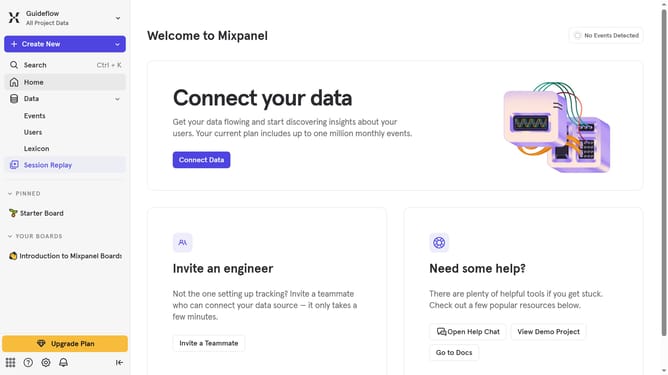
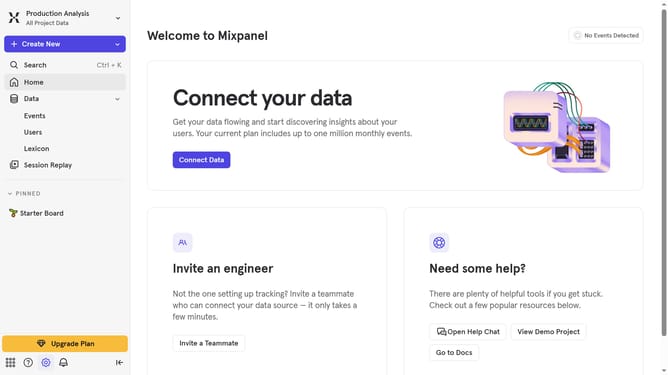
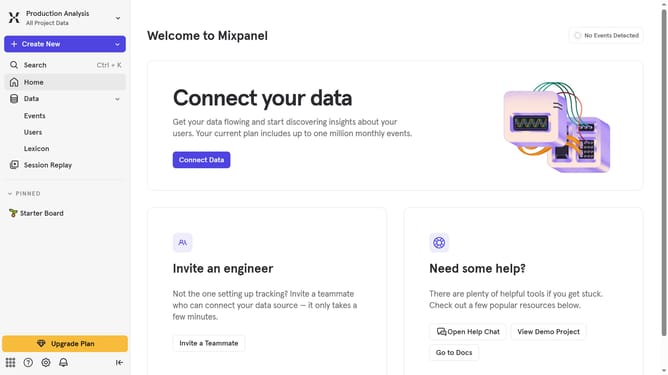
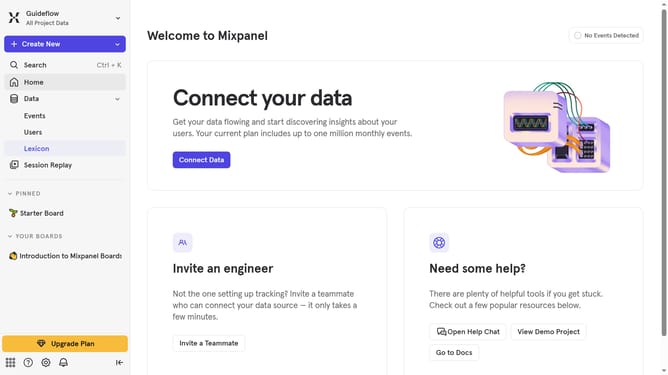
- First click on "Lexicon" in the sidebar
- Then click on "Event Properties" in the sidebar
- Then click on "Edit Columns" button
- Finally uncheck the "30 day queries" checkbox
Why should you hide 30 day queries column in event properties in Mixpanel
Mixpanel is a powerful analytics platform designed to help businesses make data-driven decisions.
One of its standout features is the ability to customize and manage your data view, such as hiding the 30-day queries column in event properties.
This feature allows users to streamline their data analysis by focusing only on relevant metrics, making complex data sets more digestible and efficient to work with.
By hiding unnecessary columns, businesses can ensure a more straightforward, user-friendly interface, allowing for improved insights and faster decision-making.
Last update