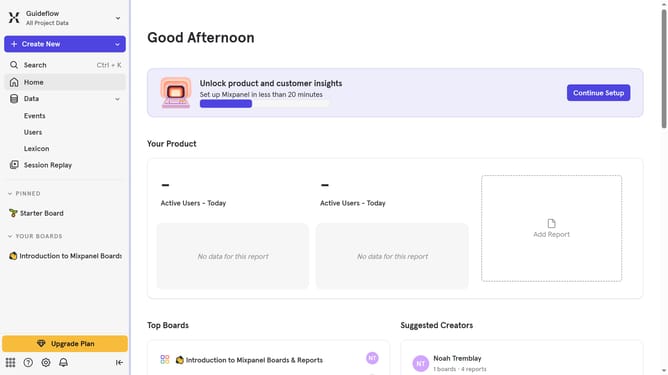
How to create a new project in Mixpanel
Here is how to create a new project in mixpanel
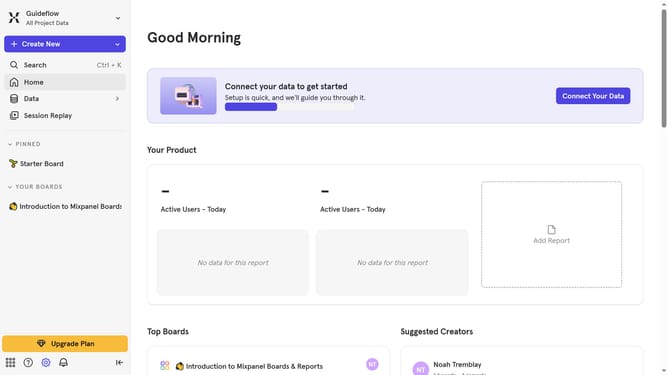
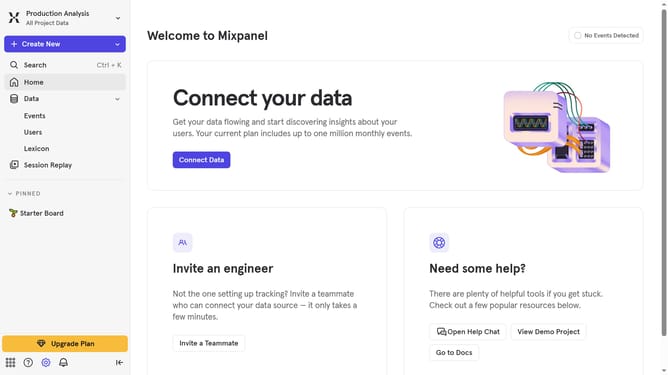
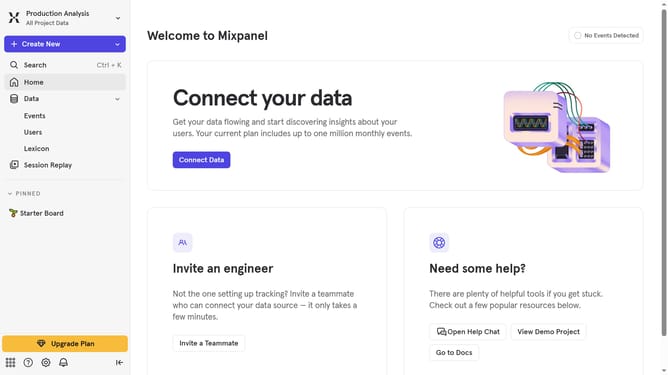
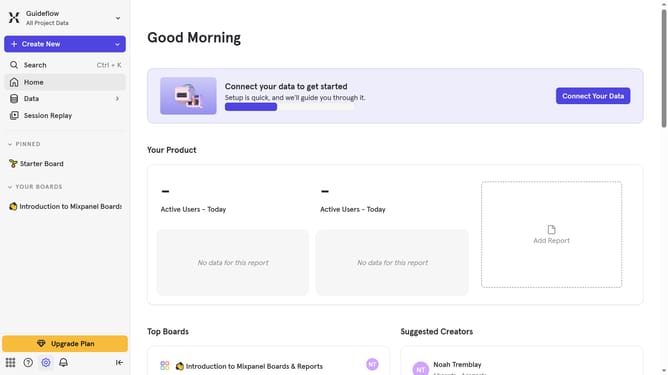
- First click on the "Project" title on the top-right corner
- Next click on the "Create Project" tab on the dropdown options
- Then configure the fields provided on the "Create Project" pop-up window panel
- Finally click on the "Create" button on the bottom-right corner to create your new project
Why should you create a new project in Mixpanel
Mixpanel is a powerful tool designed to enable businesses to track and analyze user interactions for data-driven insights.
Creating a new project in Mixpanel is a pivotal feature that allows users to embark on a fresh analytic journey tailored to specific business needs. This feature facilitates the organization and segmentation of data, which is crucial for pinpointing key trends and making informed decisions.
By setting up a new project, users enjoy enhanced clarity and focus, aiding businesses in understanding their audience better. This foundational step ensures efficient tracking and drives smarter, data-led strategies.
Last update