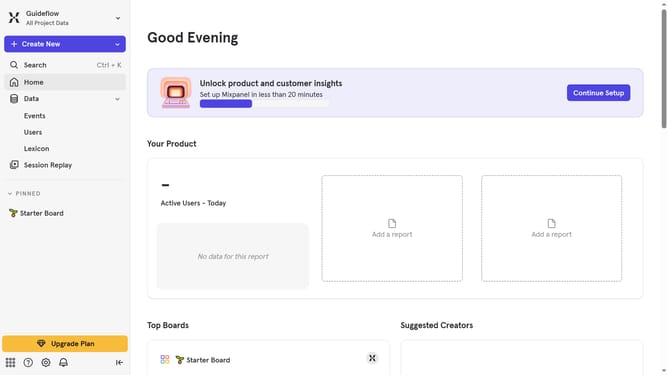
How to filter audit logs by experiment duplicated in Mixpanel
Here is how to filter audit logs by experiment duplicated in mixpanel
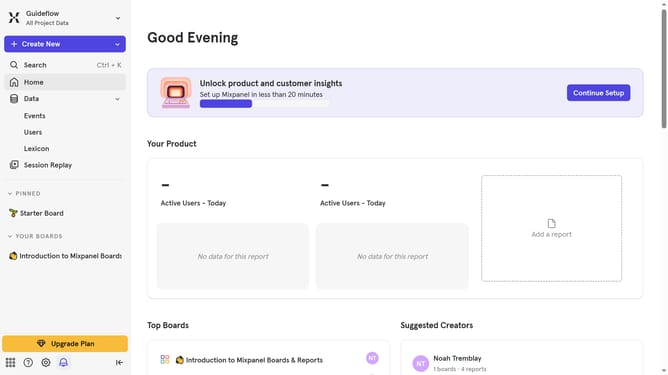
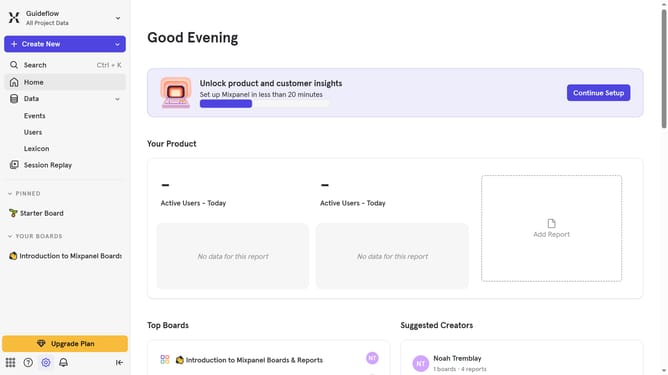
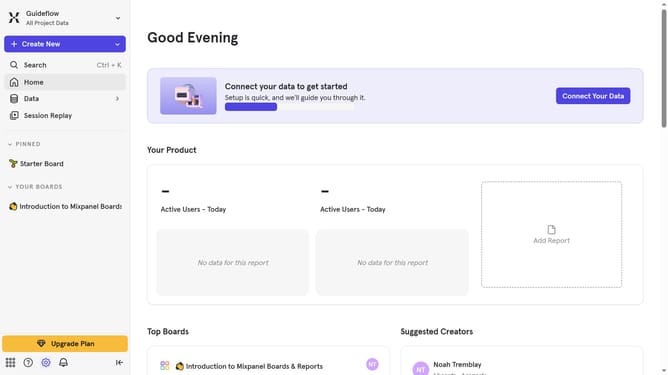
- First click on the settings icon in the left sidebar
- Then hover your mouse cursor over the "Settings" option in the dropdown menu
- Next, click on "Organization Settings" in the expanded menu
- Then, in the sidebar menu, click on "Audit Log"
- After that, click on the "Action" dropdown
- Next, scroll down in the dropdown menu
- Finally, click the checkbox next to "Experiment Duplicated"
Why should you filter audit logs by experiment duplicated in Mixpanel
Mixpanel is an advanced analytics platform designed to help businesses understand user behavior and enhance decision-making.
Filtering audit logs by experiment duplicates in Mixpanel allows users to gain comprehensive insights into specific experiments. This feature provides precision in tracking the impact of various tests, enabling users to focus on the most relevant data without needless distractions.
By leveraging this feature, businesses can streamline their analytical processes, making it easier to pinpoint critical insights and optimize strategies effectively.
This ensures more accurate decision-making and enhances the overall performance of digital marketing campaigns or product iterations.
Last update