How to hide tags column in events in Mixpanel
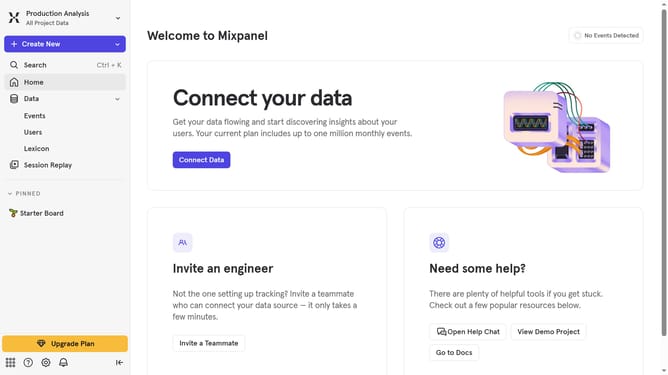
Here is how to hide tags column in events in mixpanel
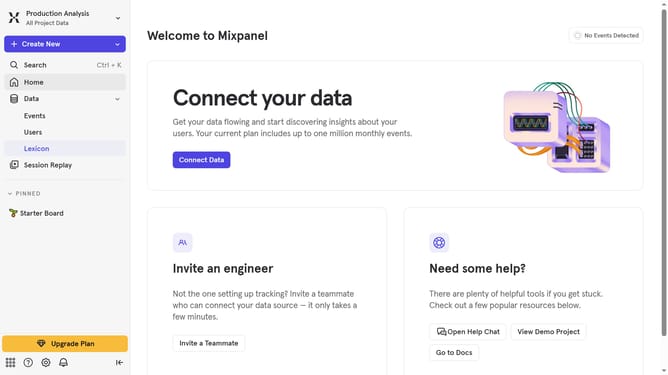
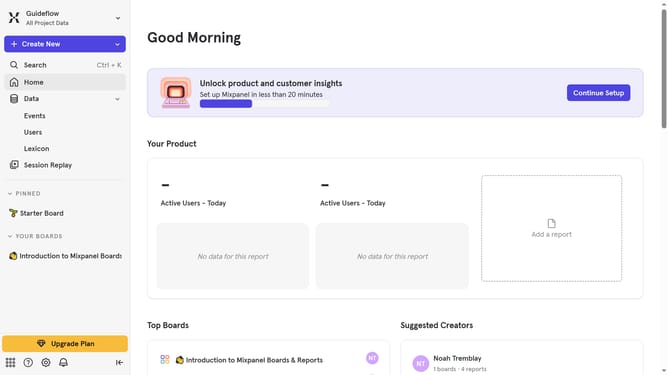
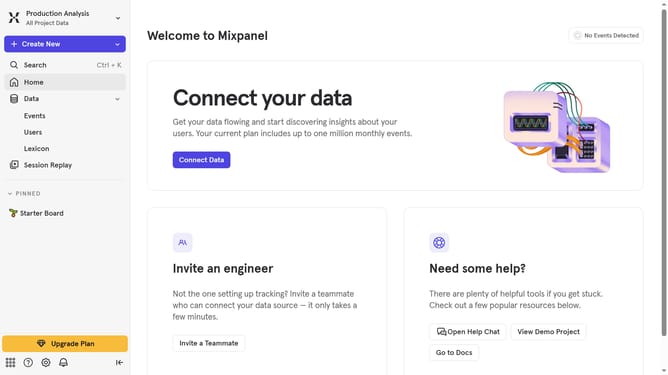
- First, in the left sidebar, click on the "Lexicon" option
- Next, in the top menu, click on the "Edit Columns" button
- Finally, in the column selection list, click on the "Tags" checkbox
Why should you hide tags column in events in Mixpanel
Mixpanel is an intuitive analytics platform designed to help businesses understand user behavior.
The option to hide the tags column in events within Mixpanel allows users to streamline their interface, focusing on metrics that matter most.
This feature is essential for minimizing visual clutter, making data analysis more efficient and straightforward.
By hiding unnecessary data, teams can better concentrate on insights that drive strategic decisions, enhancing productivity and clarity in data interpretation.
Last update