How to hide created column in custom profile properties in Mixpanel
Here is how to hide created column in custom profile properties in mixpanel
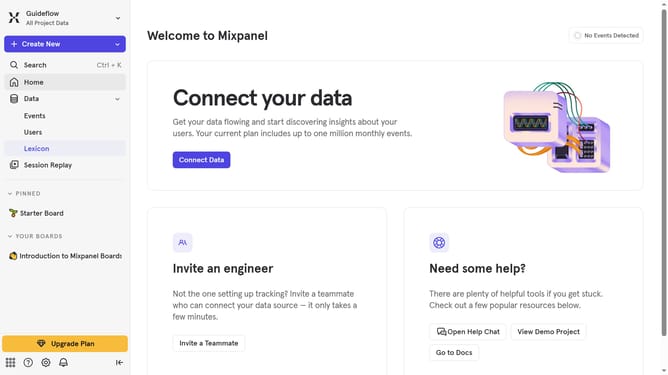
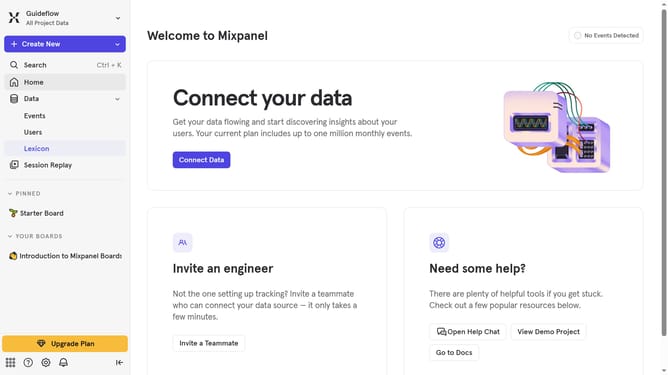
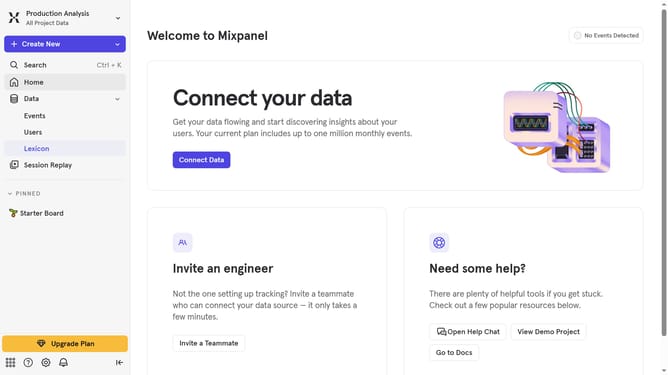
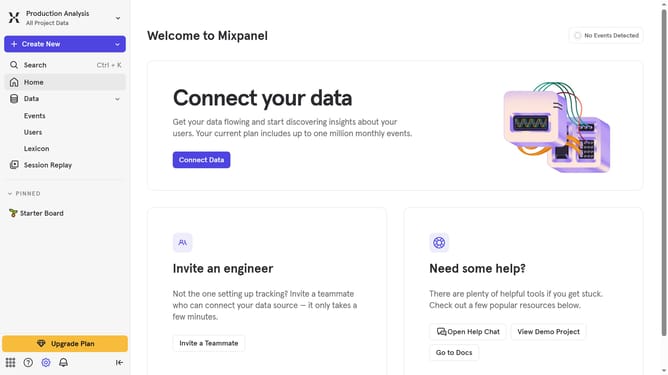
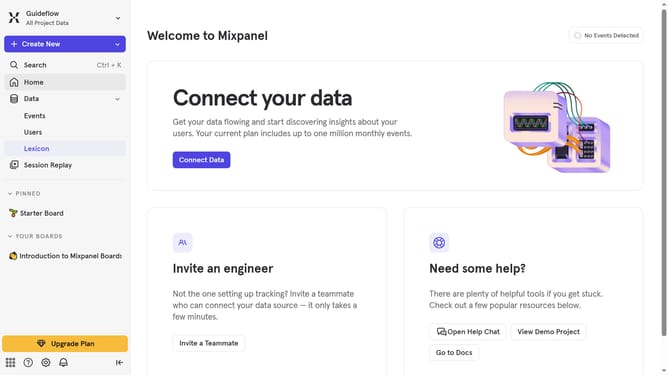
- First, click on "Lexicon" in the left sidebar
- Then, click on "Custom Profile Properties" in the left sidebar
- Next, click on the "Edit Columns" button in the main content area
- Finally, uncheck the checkbox next to "30 day queries"
Why should you hide created column in custom profile properties in Mixpanel
Mixpanel is an advanced analytics platform designed to offer deep insights into user interactions with your product.
The ability to hide created columns in custom profile properties enhances data management by streamlining the interface for better focus on key metrics. It declutters your view, allowing for a more organized and efficient analysis process.
This feature improves productivity by reducing distractions and enabling teams to concentrate on relevant data. In turn, this refined focus supports strategic decision-making and fosters a more precise understanding of user behavior patterns.
Last update